
The short answer
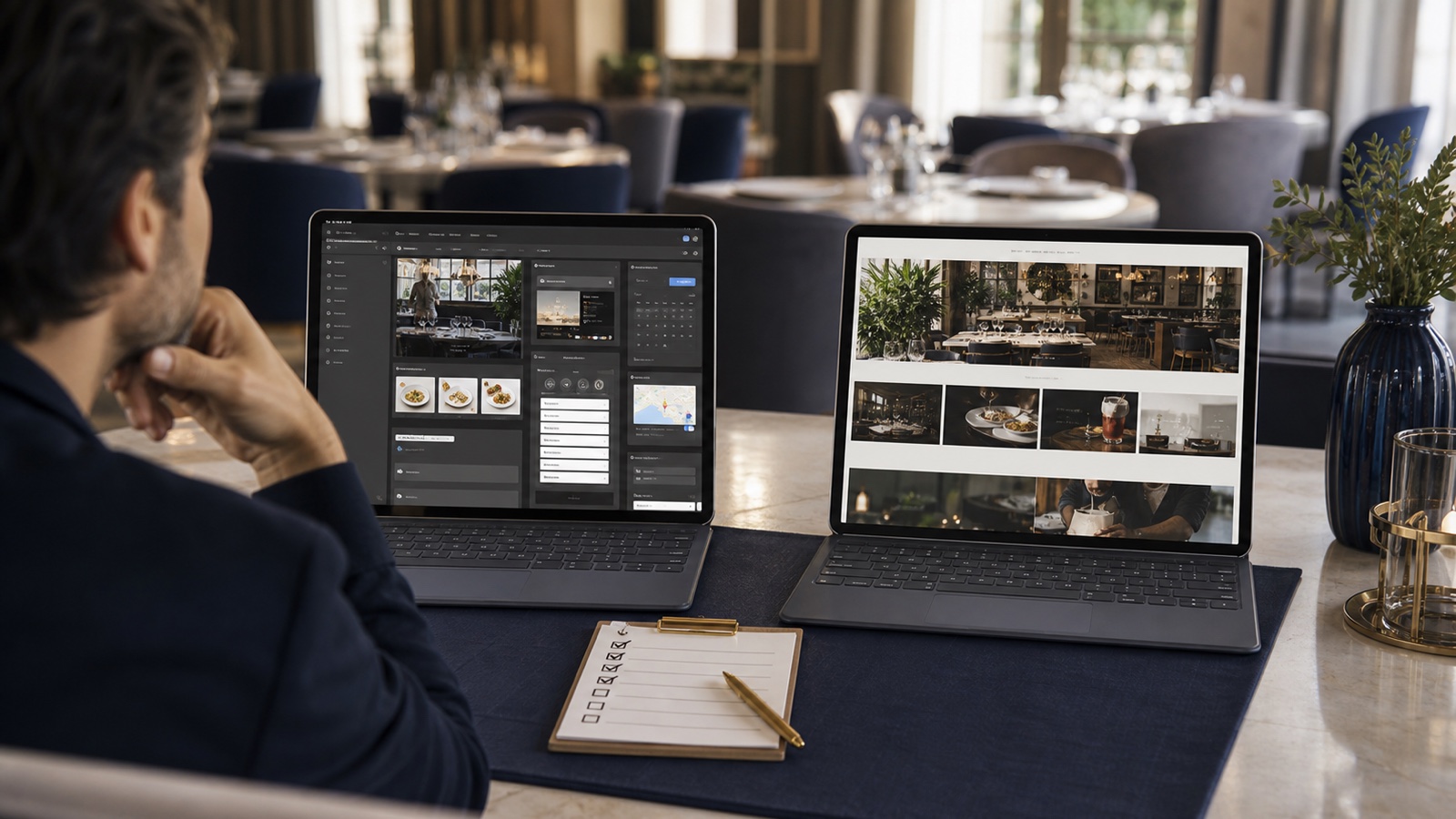
Choose Wix when its connected restaurant tools closely match the way you want to manage menus, direct ordering, reservations, payments, delivery, and related operations. Choose Squarespace when you prefer its page building experience and the reservation or commerce connections you need fit comfortably into that setup.
That is a starting point, not a universal verdict. A cafe with a short seasonal menu has a different maintenance load from a restaurant with delivery zones, table reservations, events, and several menus. Test the exact work your team will repeat, not just the appearance of a template.
Start with your operations
Before comparing designs, write down the actions a guest should be able to take. Common examples include reading the current menu, booking a table, ordering for pickup, calling the venue, and getting directions. Then name the person who will update each part after launch.
Wix presents its restaurant product as a connected set of tools for menus, ordering, reservations, payments, delivery, and other venue operations. Squarespace presents restaurant templates and page tools alongside commerce, reservation, menu, and Tock options. Both can cover a straightforward guest journey. The practical difference appears when you map those options to your real workflow.
If the platform depends on an external booking or ordering service, include that service in the comparison. Check its fees, account ownership, available countries, and the steps guests see before they finish. A polished home page cannot rescue a confusing final action.
Compare the menu workflow
Build a sample of the menu you actually use. Include one item with options, one sold out item, one dietary note, and one seasonal change. Ask a team member to update it from the device they would normally use.
Wix says its restaurant tools let owners create and manage an online menu. Squarespace offers restaurant menu layouts designed as site content. That distinction matters if your menu is also tied to direct ordering, because one update may need to change both what guests read and what they can buy.
Whichever platform you choose, let guests read the useful information without pinching and zooming. Our guide to a restaurant menu PDF or web page explains why a readable web menu is usually the stronger first step on a phone.
Check reservations before you choose a template
Follow the whole booking path on a phone. Start at the home page, choose a time, change the party size, and find the confirmation. If the venue uses a waitlist or several dining areas, test those too.
Wix lists a restaurant reservation system among its connected tools. Squarespace supports OpenTable blocks that can display reservation or waitlist options on eligible plans, and it also promotes Tock integrations for hospitality businesses. The right question is whether your current reservation provider connects cleanly, or whether changing providers would create more work than the website project solves.
Keep the booking action consistent across the home page, contact page, and mobile navigation. Guests should not have to decide which of several similar buttons is current.
Check direct online ordering as a separate decision
Wix describes direct online ordering tools for pickup and delivery, with menu management, payments, and customer order confirmations. If direct ordering is central to your venue, test modifiers, unavailable items, preparation times, delivery areas, refunds, and the handoff to the kitchen before committing.
On Squarespace, confirm the exact combination of commerce features and external services you plan to use. Do not assume that a restaurant template automatically recreates the ordering workflow your team already knows. The finished path should be simple for a hungry guest and manageable during a busy service.
If most orders still come through a delivery marketplace, the website can direct guests there clearly. If you plan to build direct ordering, treat that as an operations project with its own testing, not as one extra button.
Choose the upkeep your team can sustain
The platform decision continues after launch. Your team may need to change holiday hours, publish a new menu, hide a sold out item, update an event, or replace a booking link. A setup that feels easy during a demonstration can become fragile if only one person understands it.
Ask both platforms the same maintenance questions. Can the right staff member make the change? Can they preview it before publishing? Is there a clear place to update shared information? Can you reverse a mistake? Does the change reach every page where guests see that detail?
Include setup work and ongoing services when comparing costs. Our guide to what a restaurant website quote should include gives you a practical scope checklist.
See what your current website needs first
The free Restaurant Website Quick Score checks nine guest essentials, including menu access, mobile clarity, booking, contact details, and directions. Use the result to decide which platform features actually matter for your venue.
Try the free Restaurant Website Quick ScoreAn owner checklist before you decide
- Build one real menu and make one real change.
- Complete a booking and an order on a phone.
- Confirm the services, plans, and countries required for each connection.
- List every recurring platform and provider cost.
- Give a staff member one routine update to complete.
- Check who owns the domain, platform account, content, and external service accounts.
- Choose the setup your team can keep accurate during a busy week.
A good restaurant website does not need the longest feature list. It needs a clear guest path and a maintenance routine that survives real service. Make the choice with your current operations in view, then leave room for the next change your venue is likely to make.
Want a second pair of eyes?
The US$35 Website Check reviews your live site and gives you a short priority list for mobile clarity, menus, booking, ordering, and local search. It can help you see whether a platform change is necessary before you start rebuilding.
See the Website CheckSources
- Wix, restaurant website builder and connected restaurant tools
- Wix, restaurant online ordering system
- Squarespace, restaurant website features
- Squarespace Help Center, OpenTable blocks