
The short answer
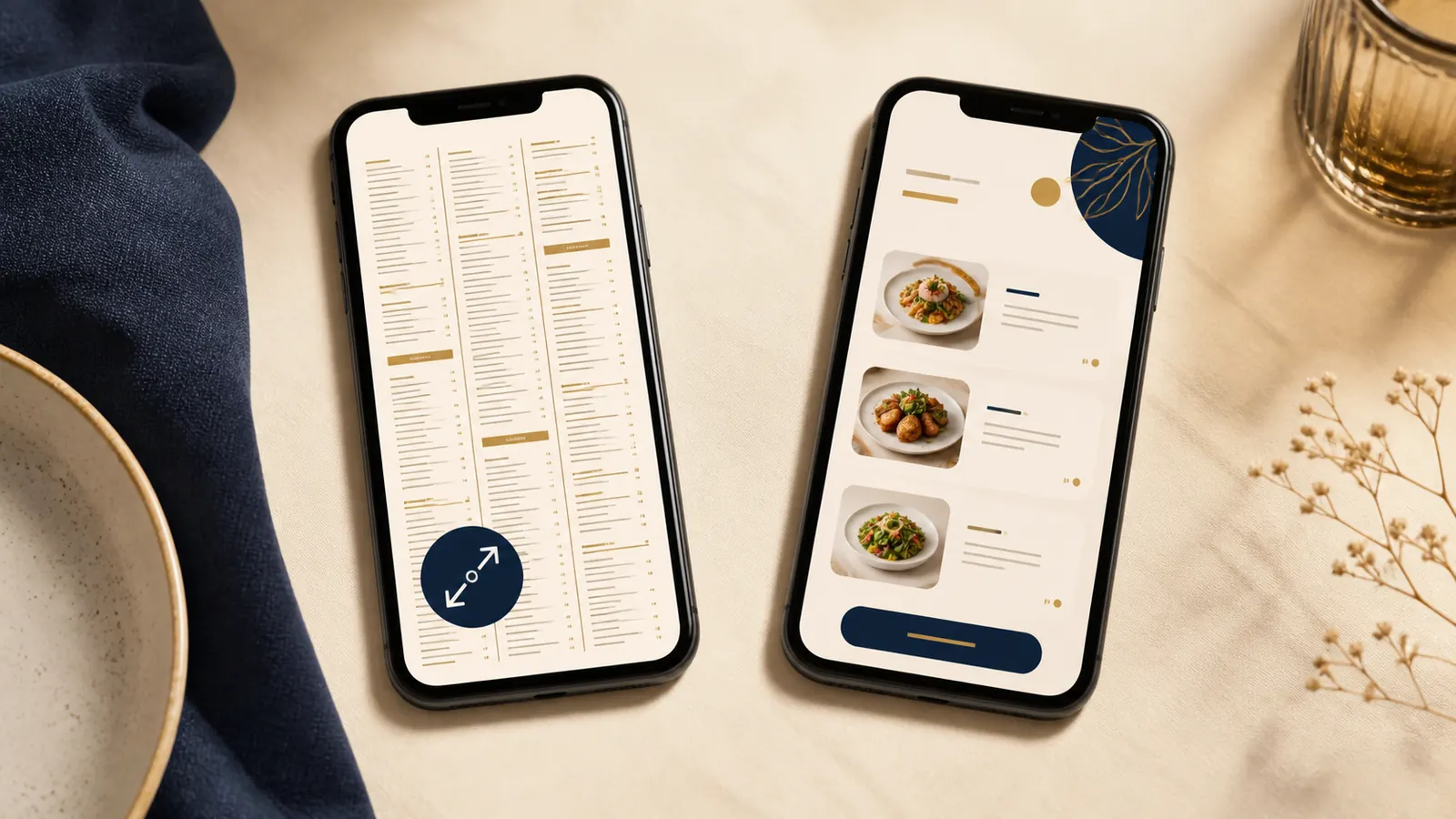
Use a readable HTML menu page as the primary path from your navigation, home page, and other guest links. Keep a PDF if it is genuinely useful for printing, downloading, sharing with a group, or handing to a hotel concierge.
This is not a choice between a modern format and a useless one. It is a choice about which format should lead. The web page should serve the guest standing on a street with one hand on a phone. The PDF can serve the guest who wants a fixed copy.
PDFs are not the whole answer
PDF menus are not invisible to search engines. Google includes PDF among the file types it can index. A clear, text based PDF can therefore remain a legitimate part of your site.
The limitation is usually the guest experience. A PDF designed for a printed sheet may open with small type, wide columns, or several pages. On a phone, a guest may need to zoom, move around the page, return to the site, and find the booking or ordering button again. A scanned image inside a PDF can be harder for a person to read than selectable, responsive text.
A PDF also tends to sit apart from the rest of the journey. The menu may be current, but the useful next actions are often back on the website. That separation matters when someone is deciding quickly between your venue and another option.
Keep the PDF when the fixed layout has a purpose. A tasting menu that guests print, an event menu sent to a group, or a room service menu saved by a hotel guest may all benefit from a downloadable version. Label it clearly as the printable or downloadable menu, rather than making it the only menu button.
What an HTML menu adds
An HTML menu can adapt to the width of a phone. Headings, item names, descriptions, prices, and confirmed dietary notes can remain readable without zooming. Links to book, order, call, and get directions can sit beside the decision instead of on another screen.
It is also easier to link directly to a stable menu page from your navigation, home page, location page, and other relevant pages. Google’s guide for web developers recommends semantic HTML, descriptive page information, and pages that can be reached through crawlable links. That guidance does not mean an HTML menu will rank. It means a normal, linked page gives both guests and search systems a clear place to reach and understand.
For restaurants and cafes, structured data can make that relationship more explicit. Google’s LocalBusiness documentation includes a fully qualified menu URL for food establishments, while Schema.org’s hasMenu property can refer to a menu, text, or a URL. Connecting your business data to the correct menu URL is useful, but it does not guarantee rankings, a rich result, or a particular search display.
HTML can also simplify updates. Your team can change one item, price, or availability note without exporting and replacing a full document. The practical benefit is not the file type itself. It is having one clear, current source that the team knows how to maintain.
The best menu setup for most venues
For most independent restaurants, cafes, and boutique stays, a strong setup is simple:
- Create one stable HTML menu URL and make it the main Menu link.
- Use clear sections such as breakfast, lunch, dinner, drinks, room service, or seasonal specials.
- Keep item names, descriptions, prices, and any confirmed dietary information readable as text.
- Place the relevant next action near the menu. That may be book a table, order online, call, or ask the front desk.
- Offer a clearly labelled printable or downloadable PDF only when guests or staff need it.
- Give one person responsibility for keeping both versions consistent.
If the menu changes often, decide what “today’s menu” means before choosing the technology. It might be the full daily menu, a shorter sample menu, or a current core menu with specials confirmed at the venue. Be honest about what is live. A beautifully formatted menu is not helpful if guests cannot tell whether it is current.
For a boutique stay, the same principle can cover breakfast, minibar, room service, or dining packages. The primary page should explain what is available and what the guest does next. A polished PDF can still be useful in a prearrival email or as a printed room copy.
A five minute owner check
Do this on your own phone, using the site as a first time guest would:
- Open the home page and find today’s menu.
- Read several key items and their prices without zooming.
- Check whether breakfast, lunch, dinner, drinks, or room service are clearly separated.
- Book a table or start an order, whichever matters for your venue.
- Find the phone number and start a call.
- Open directions to the correct entrance or location.
Notice every point where you pause, pinch the screen, lose your place, or wonder whether the menu is current. Those moments reveal whether the format is helping the guest journey. If the HTML page completes all six tasks cleanly, the PDF can remain a companion instead of carrying the whole job.
Want a quick view of the whole guest path?
The free Restaurant Website Quick Score checks nine essentials, including mobile clarity, menu access, booking, calls, and directions. It can help you see whether the menu problem is isolated or part of a wider path.
Try the free Restaurant Website Quick ScoreWant a second pair of eyes?
The US$35 Website Check reviews your live site and gives you a short, practical priority list for menu, booking, search visibility, and mobile clarity.
See the Website CheckSources
- Google Search Central, LocalBusiness structured data
- Schema.org, hasMenu property
- Google Search Central, guide for web developers
- Google Search Central, file types Google can index