
The short answer
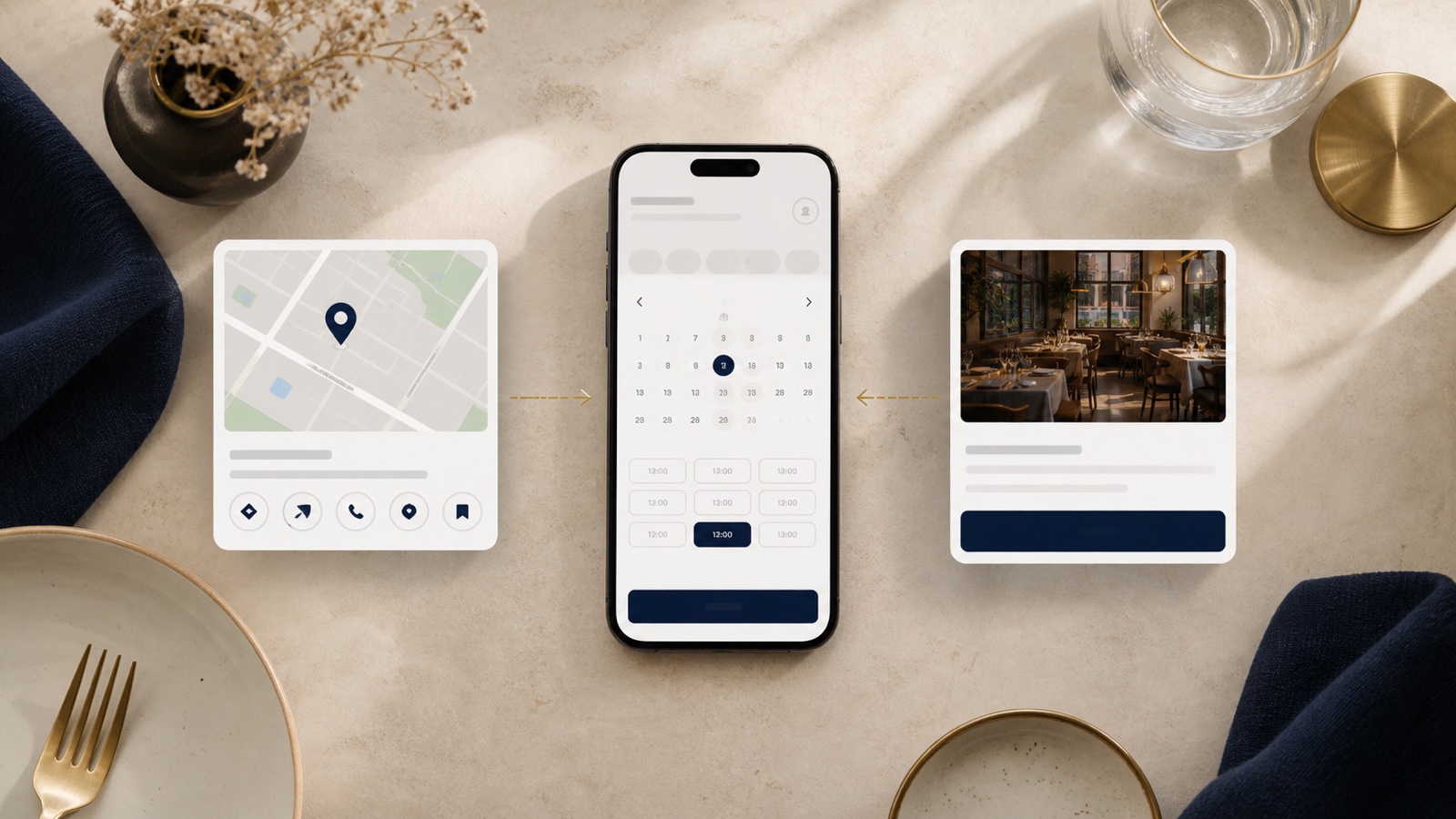
Your booking path should live in both places, but not with equal responsibility. Google should catch people who are already choosing a table from search or maps. Your website should explain the choice, remove doubt, and give every other channel one official place to send guests.
If you only use a booking link on Google, guests who arrive from Instagram, a shared menu, or a press mention can still get lost. If you only put booking on your website, people ready to reserve from Google may take an extra step they did not need.
What belongs on Google
Google Business Profile lets restaurants set up bookings through a provider, use Reserve with Google partners where available, or add their own booking link. Google says booking providers can take up to a week to show on the profile, and custom link performance is not reported the same way as Reserve with Google performance.
That makes Google the right place for the direct action. Keep it current, check it after changing reservation systems, and make sure the link goes to the correct venue, not the hospitality group, a different location, or a generic contact page.
What belongs on your website
Your site should not make guests hunt for the same button. Put the main booking action in the first screen on mobile, repeat it near the menu and contact area, and explain any details that affect the decision before a guest leaves for the platform.
For example, a small restaurant might need to clarify walk ins, group bookings, deposits, dietary notes, private events, or when to call instead. A good website makes those rules feel calm and obvious. The booking platform then handles the transaction.
How to choose the platform path
OpenTable provides website widget and custom reservation link options, including overlay or new window paths and marketing tracking links. Resy describes website widget installation through its venue dashboard, and its restaurant product includes Reserve with Google integration. Those are useful features, but the owner decision is simpler than the feature list.
Choose the path that your team will maintain. If the platform widget looks clean and loads reliably on mobile, embed or overlay it. If it feels heavy or confusing, use a clear button to the platform page. In both cases, test the whole journey from a phone: Google profile, homepage, menu, booking button, confirmation screen, and the back path if a guest changes their mind.
Want a clean booking path?
The US$35 Website Check reviews your live site and tells you where guests may hesitate before booking. You get a short priority list, not a rebuild pitch.
See the Website CheckSources
- Google Business Profile Help, Set up bookings through a provider
- OpenTable, Reservation Widget
- Resy Help Desk, Widget Installation
- Resy, Reservations and hospitality tools