
The short answer
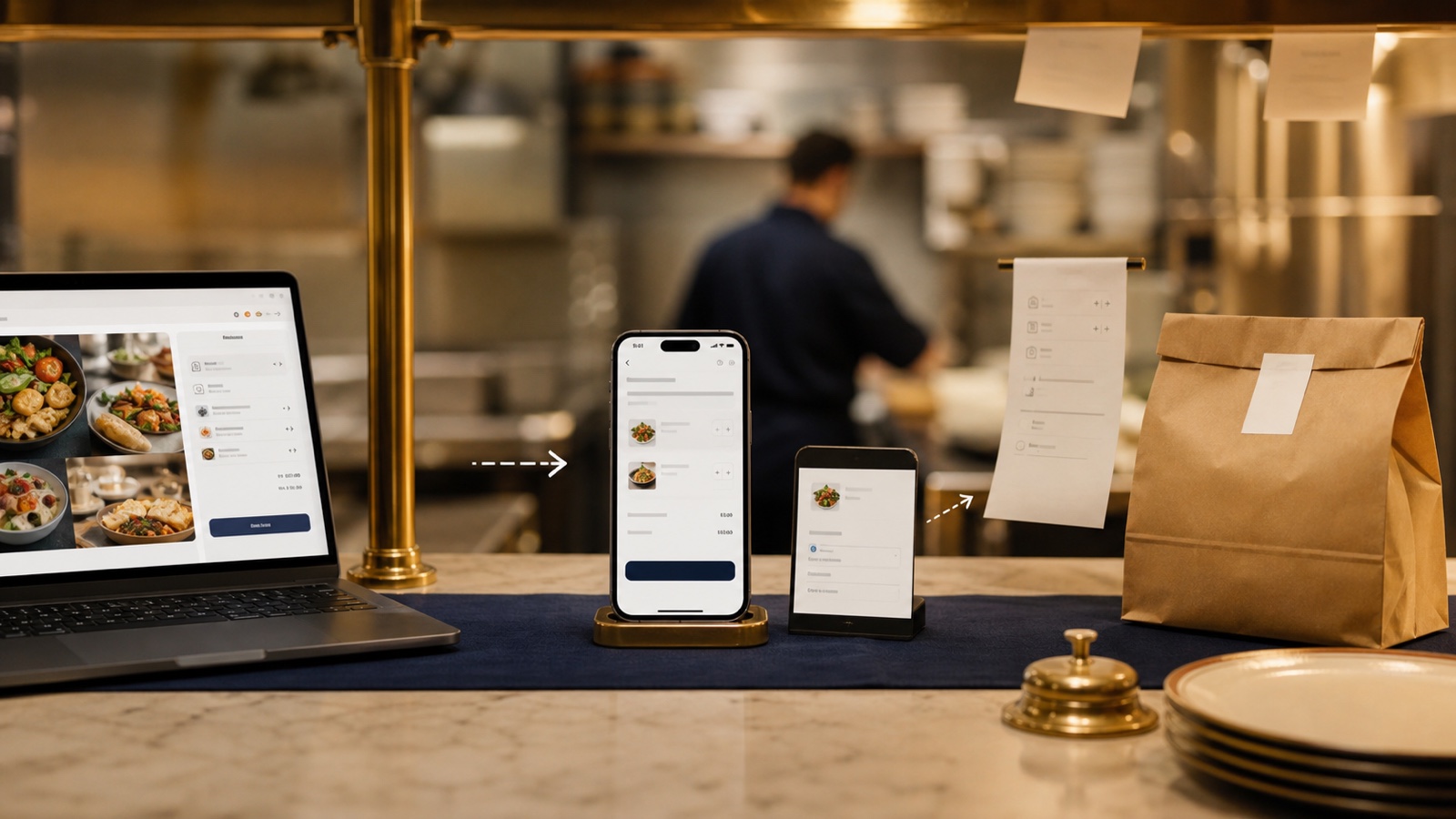
Your ordering path should usually appear in three places, but each place has a different job. Google should capture people who are already searching. Delivery apps can bring marketplace demand. Your website should be the calm, official path that explains the menu, sets expectations, and sends guests to the right checkout.
The mistake is treating every link as equal. If one button says order, another says delivery, a third opens an old provider, and the website menu does not match any of them, guests hesitate. The best setup makes the preferred path obvious while keeping other channels honest.
What belongs on Google
Google Business Profile lets restaurants add food ordering links, manage third party providers, and set a preferred ordering option. Google also lets local businesses add links for menu, reservations, food orders, and other actions from Search and Maps.
That means Google is a direct action surface, not a full explanation page. Keep the order link current, remove providers you no longer want to show, and check that the preferred link points to the right location. If you have multiple stores, this matters more than the button label.
What belongs on your website
Your website should answer the questions that happen before checkout: what is current, what is pickup only, what delivery areas are covered, when the kitchen closes, whether catering or large orders need a different path, and which link is the one you prefer guests to use.
Put the main ordering action in the first mobile screen, near the menu, and again near the contact area. If the checkout happens on another platform, say so plainly before the guest leaves your site. A short line such as "Order pickup through our direct ordering page" can prevent confusion.
Need a cleaner food photo before you promote the link?
The free Food Photo Post Maker helps you turn one dish photo into a simple social graphic that can point guests back to the right ordering path.
Try the free Food Photo Post MakerWhere delivery apps fit
Delivery apps are not bad. They can be useful discovery channels, especially when a guest is already browsing for delivery. The owner question is whether the app is acting as discovery, fulfilment, checkout, or the whole customer relationship.
DoorDash describes a direct online ordering product that can connect to a restaurant website, Google page, social media, or QR code. Its public pages say direct orders can avoid marketplace commission, while standard payment processing still applies. Uber Eats describes an online ordering website path with a marketplace fee. Those details can change, so check your own merchant agreement before choosing.
A simple owner check
Open your own site on a phone and act like a hungry guest who already decided to order. Can you see the current menu first? Can you tell pickup from delivery? Can you reach the preferred ordering path in one tap? Does the Google profile point to the same path? If a delivery app is listed, is it still a channel you want customers to use?
If any answer is unclear, the fix may be small. Often it is one stronger button, one cleaner menu page, and one Business Profile link cleanup. The goal is not to hide every other channel. It is to make the best next step feel obvious.
Want the ordering path checked?
The US$35 Website Check reviews your live site and tells you where guests may hesitate before ordering, booking, calling, or visiting.
See the Website CheckSources
- Google Business Profile Help, Manage online ordering options
- Google Business Profile Help, Manage your local business links
- DoorDash for Merchants, Online ordering system for restaurants
- Uber Help, Online ordering FAQ