
The short answer
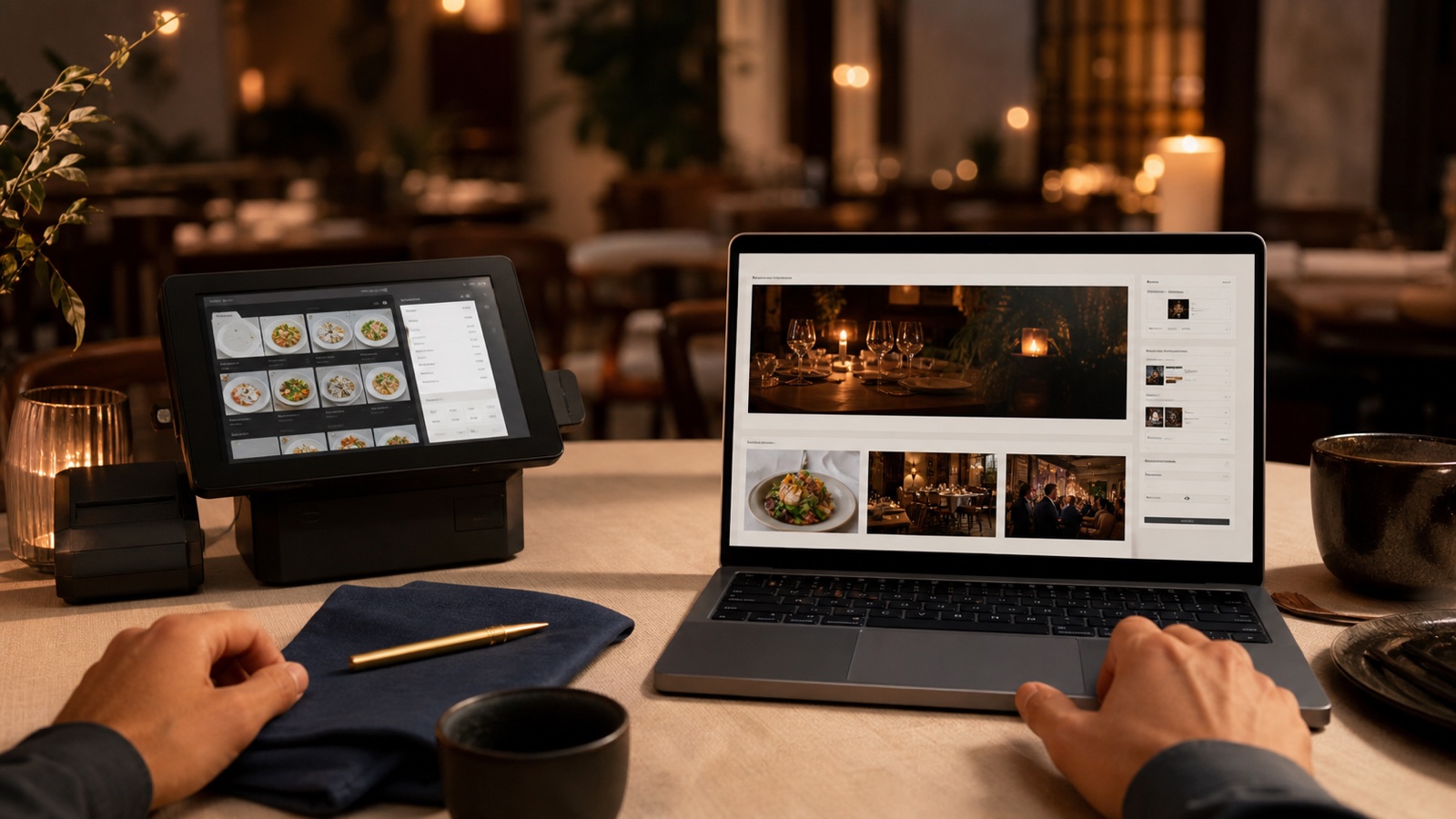
Choose Square Online when your venue already runs Square POS and the primary need is to keep menus, orders, payments, and kitchen flow together. Square says its online ordering profile syncs menus, orders, locations, and customer data with Square POS, and supports pickup and delivery. For a venue already working in Square, that connected operating flow can be the deciding advantage.
Put Wix first in your test when the primary need is a branded website where your story, events, content, menu, ordering, and reservations can live together in one editable place. Wix lists restaurant website tools for menus, on site ordering and payments, reservations, delivery integration, events, marketing, and mobile management.
Neither is a universal winner. This is an operating system and website platform decision, not a choice between direct ordering and delivery marketplaces. Start with the repeated work your team already does, then test the exact setup you would use.
When Square Online comes first
Square Online is worth putting first when Square is already where the team takes payments and manages the order flow. The most valuable part is not that it can display a menu. It is that the public ordering path can be closer to the system your staff uses in service.
Square says an online ordering profile can work as a standalone site or be linked from a separate website. It also says the profile can be branded and set up with menu hours, pickup and delivery, discounts, gift cards, taxes, service charges, and a mobile preview. That is practical when the person updating a sold out item or a holiday ordering window needs to make a change without rebuilding several disconnected guest paths.
Choose this route when the important question is, “How do online orders reach the team cleanly?” rather than, “How much freedom do we have to shape every page?” A counter service cafe, a takeaway focused restaurant, or a venue with a high volume of pickup orders may value fewer handoffs between the online menu, payment, and fulfilment flow.
That does not mean Square must become the entire brand website. A restaurant can still need strong pages for its atmosphere, chef, private dining, press, locations, and events. It simply means the ordering operation has earned a central place in the platform decision.
When Wix comes first
Put Wix first in your test when the website itself needs to be a regularly updated part of the venue. Think beyond a home page and a menu. You may need a dining story, seasonal pages, event details, a gallery, a private dining enquiry path, several menus, location information, and clear booking or ordering actions that all feel like one owned site.
Wix says its restaurant tools cover menus, ordering and payments on the site, reservations, delivery integration, events, marketing, and mobile management. Its Help Center lists restaurant menu, orders, and scheduling workflows. Those are useful signals for an owner who wants one editing environment for the site and the guest facing content around service.
Use this direction when the restaurant has frequent content changes and the website needs to do more than route guests to an order profile. An events led wine bar, a restaurant with changing menus and stories, or a cafe building a stronger local brand may put greater weight on the website's content and event needs than on keeping ordering inside the POS ecosystem.
Before deciding, build a small real version of your desired reservation and order path. Wix lists these capabilities, but the provider, plan, region, and setup you need should be confirmed for your own venue before you commit.
A practical hybrid option
You do not have to choose between an owned brand website and Square ordering. A practical hybrid is to keep the main website for the venue's identity, menus, events, reservation information, and search visibility, then place a prominent Order Online action that links to the Square online ordering profile.
Square says its profile can be linked from a separate website. This gives guests a consistent place to understand the venue before moving into an ordering flow connected to Square. It can suit a restaurant that values a crafted website but wants the order, payment, and kitchen handoff to stay close to the POS setup already in use.
The handoff must be obvious. Use the same order action in the mobile navigation, home page, menu page, and any page where a hungry guest is likely to make a decision. Check that the Square profile uses the same venue name, current hours, pickup instructions, and menu language as the brand website. A hybrid works when it feels like one journey, not two unrelated destinations.
Test the real workflow before choosing
Do not compare platforms by opening templates side by side. Test the operations that repeat during a normal week. Make a short list with your manager, kitchen lead, and the person who updates the website. Then give each platform the same sample tasks.
- Add a seasonal item with a dietary note and a modifier.
- Mark an item unavailable, then restore it after service.
- Change ordering or menu hours for a public holiday.
- Place a pickup order on a phone and confirm what the guest sees.
- Follow a reservation from the website through to confirmation.
- Publish an event page, then make a last minute correction.
- Ask the person who will own the task to do it without a developer beside them.
Notice where information is entered twice, where staff could make a mistake, and where the guest leaves your site. Also test an ordinary phone on a mobile connection. The attractive choice during a calm demo may not be the reliable choice at 6:45 on a full Friday night.
If you need help naming the guest essentials first, the free Restaurant Website Quick Score checks nine basics including menu access, mobile clarity, booking, contact details, and directions. It is a useful way to turn a broad platform question into a short priority list.
Check costs, plans, and availability before committing
Do not choose either platform from a headline feature list or an old pricing article. Square's online ordering profile described above is distinct from its plan based online store site builder. The following Square plan details refer to that site builder. Plans, feature availability, payment rules, and provider connections can change. Square says a site can be launched on its Free plan, while a custom domain, expanded customization, custom fonts, widgets, and removing Square branding are plan dependent. Wix says a Premium plan is needed to connect a custom domain and remove Wix branding, while payment or commerce capabilities vary by plan.
Before signing up, check the exact plan, region, provider availability, transaction fees, delivery fees, and reservation setup for your venue. Include any external delivery, reservation, payment, or booking provider in the same check. A low starting plan can be misleading if the actual guest path depends on a paid feature or a separate service.
Also confirm account ownership. The restaurant should control the domain, platform account, payment account, and any connected provider account. Our guide to restaurant website domain and hosting ownership explains the questions worth settling before another person builds or manages the site.
An owner checklist before you decide
- Choose Square Online first if Square POS is already central and one connected menu, orders, payments, and kitchen flow is the primary need.
- Put Wix first in your test if the venue needs a branded site for content, menus, events, ordering, and reservations in one editable place.
- Consider the hybrid route when you want an owned brand site while keeping a prominent Order Online action linked to Square.
- Build one real menu, including an unavailable item and a time limited change.
- Complete an order and reservation on a phone, from the first click through to confirmation.
- Check the exact plan, local availability, fees, delivery terms, and reservation provider before committing.
- Name the staff member who will maintain each guest facing detail after launch.
- Keep ownership of the domain and every important account with the restaurant.
For a broader choice about website building style, read Wix or Squarespace for a restaurant website?. For the separate question of where delivery platforms sit in the guest journey, read Restaurant online ordering, website or delivery apps?.
Want a second pair of eyes?
The US$35 Website Check reviews your live website and gives you a short priority list for mobile clarity, menus, booking, ordering, and local search. It can help you decide whether a platform change is necessary before rebuilding.
See the Website CheckSources
- Square, online ordering
- Square Help Center, set up an online ordering profile
- Square, online store plans
- Wix, restaurant website
- Wix Help Center, Wix Restaurants
- Wix, plans