
The short answer is to choose the workflow, not the canvas
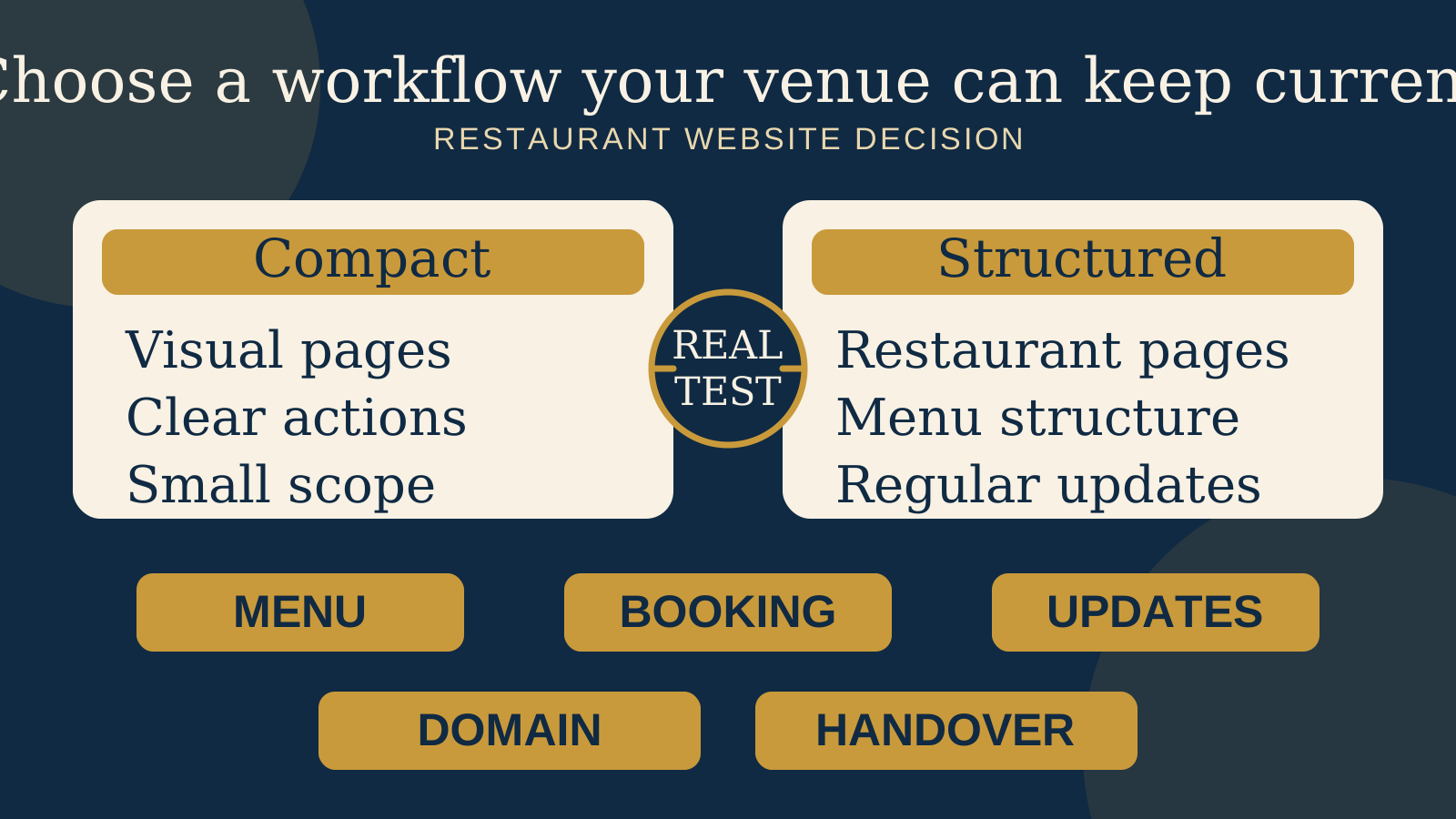
There is no universal winner. A restaurant that needs a concise visual introduction, a clear menu route, visit details, and one booking action may be well served by a carefully built Canva Website. Canva's current website tools support navigation, free or custom domains, page specific URLs, titles, and descriptions, plus settings for search visibility, analytics, cookie consent, and a generated sitemap.
Squarespace may be the better fit when the site needs a more established restaurant content structure. Its official restaurant guidance documents restaurant templates, indexable Menu blocks, multiple menu pages, and reservation connections including Tock and OpenTable. Those features can reduce the amount of structure a restaurant has to invent.
Neither platform keeps a menu current, chooses the right booking path, or completes a clean handover by itself. Choose only after the person who will run the site has tested the real work.
Canva begins with visual communication, while Squarespace documents a restaurant site system
Canva can make sense when the website is an extension of a venue's existing visual content. A compact site can introduce the atmosphere, show selected food and space photography, explain the venue, and lead guests to the menu, booking route, hours, and location. That is a valid website job, not merely a temporary placeholder.
The limit should come from the venue's workflow, not an assumption about the platform. If the site will grow into several menus, location pages, events, private dining, stories, and frequent updates, prove how those pages will be organised and maintained before choosing Canva.
Squarespace's restaurant help material starts closer to that structured ongoing use. It describes building restaurant pages, adding Menu blocks, using multiple menu pages, and connecting reservation services. That does not make every Squarespace site clearer. It means the documented starting point already includes common restaurant content.
Check the page structure and search settings you will actually maintain
Canva Websites now support page specific URLs, page titles, and page descriptions. Canva also documents navigation, search visibility controls, a generated sitemap, analytics connections, and cookie consent settings. A compact Canva site can therefore have more page and search structure than owners may expect.
Availability is not the same as a finished setup. Before launch, open every page on a phone, check the navigation labels, review each public URL, and read every title and description. Confirm the correct version is visible to search engines and that the sitemap represents the pages you intend to publish.
Squarespace Menu blocks are described as indexable, so menu text can be part of the page rather than hidden inside an image. That is useful when a venue wants guests and search systems to encounter real menu content. The block still needs accurate dish names, descriptions, prices where shown, and a person responsible for changes.
Test the menu during a real service change
Do not decide from a polished sample page. Use one real menu with its true category names, long dish descriptions, dietary notes, prices, and seasonal changes. On Canva, decide whether the menu belongs directly on the website, links to another current menu, or uses a combination. Then test whether the usual editor can change it without damaging the layout.
Squarespace documents Menu blocks for formatted restaurant menus and allows multiple menu pages. This may suit a venue with separate lunch, dinner, drinks, or location menus. It does not remove the need for a content rule. Decide who updates sold out items, where prices are changed first, and how staff know the public version is current.
For both platforms, read the live menu outdoors on a phone. Check whether long names wrap clearly, sections are easy to scan, the type remains legible, and a guest can return to booking or visit information. A visually attractive menu that becomes stale or difficult to read is not the easier system.
Treat the booking path as a separate decision
A compact Canva site can send guests to a booking destination with a clear call to action. The important question is what happens after the click. Follow the complete path on a phone, including date selection, unavailable times, policies, and confirmation. Confirm that the venue, date, and service remain clear when the guest leaves the website.
Squarespace's restaurant guidance documents reservation integrations including Tock and OpenTable. That may suit a venue already using a supported service, but the name of an integration is not proof that your preferred flow, account, or location works exactly as expected. Test the live handoff and manage the reservation account as a separate business system.
If booking is the website's main job, compare the finished journey rather than the page builder. One obvious, working booking path is more useful than several buttons that send guests to different places.
Let the usual editor prove the update routine
Canva may feel familiar to a team that already creates visual material there, but familiarity with a design screen does not prove that the website is safe to update. Give the venue manager a copy or test version. Ask them to replace an image, change hours, update one menu item, check the mobile result, and publish.
On Squarespace, run the same test using the real page and Menu block structure. The restaurant specific tools may create a clearer boundary between menu content and page design, but only the editor can confirm whether the workflow makes sense during a busy week.
For either choice, write a one page update guide. Record which content staff may change, who reviews the mobile result, where the original images live, and whom to contact for a structural change. If the owner cannot complete routine updates confidently, include ongoing help in the decision.
Confirm the custom domain, account access, and handover before launch
Canva supports publishing to a free domain or a custom domain. Its official help says connecting an existing custom domain is limited to eligible paid or education plans. Check eligibility in the account before promising a launch address, and keep the domain registration under the restaurant's control.
For both platforms, list the people who control the website, domain, billing, analytics, booking service, original photography, copy, and recovery methods. A website is not fully handed over because someone can see the editor. The owner needs the access and records required to keep it operating.
Ask for a handover rehearsal before the site becomes essential. The owner should be able to sign in with their own account, reach the correct site, update a fact, check the public result, find the domain details, and identify every connected service. If a supplier leaves, the restaurant should know exactly what remains and who can continue the work.
Run this 45 minute owner test before choosing
- Build or copy one realistic page using the venue's actual images, menu text, hours, address, and booking destination.
- Ask the person who will make weekly changes to edit one dish, replace one photograph, and change a service time without coaching.
- Open the result on a phone and check the menu, navigation, contact details, map route, and primary booking action.
- Follow the booking journey through an unavailable time and back to the website.
- Review the public URL, page title, description, and search visibility settings for every page in the test.
- Confirm the custom domain route, account eligibility, owner access, billing owner, recovery details, and connected services.
- Time the full update and write down every step that required a designer or a second account.
Choose the platform only after this test. A smaller site that the team can keep accurate may be more useful than a larger site whose content slowly stops matching the venue.
Use this comparison table with your venue's real requirements
| Decision area | Canva may fit when | Squarespace may fit when |
|---|---|---|
| Website scope | The site is compact, visual, and has a small number of clear guest actions | The site needs a more structured set of restaurant pages and content |
| Menu | The chosen menu route stays legible and the usual editor can keep it current | Indexable Menu blocks and multiple menu pages match the venue's workflow |
| Booking | One clear link creates a complete and understandable booking journey | A documented Tock or OpenTable connection fits the service already in use |
| Weekly updates | Staff pass the real update test without harming the mobile layout | The page and Menu block structure gives staff a clearer editing routine |
| Domain and handover | The account is eligible for the intended domain setup and the owner can operate the site | The owner can operate the site and every connected restaurant service is documented |
Choose Canva when a compact visual site covers the venue's real needs and the owner test proves that staff can keep it accurate. Choose Squarespace when its documented restaurant structure, Menu blocks, and reservation connections solve requirements the venue will use. If neither test setup feels sustainable, step back and compare a restaurant website builder with a custom website before committing.
Start with the free Restaurant Website Quick Score
Use the free Restaurant Website Quick Score to review nine guest essentials and receive three practical priorities. It can show whether you need a different platform or simply a clearer menu, booking path, location detail, or mobile experience.
Want a practical review of the site you have?
The US$35 Website Check is for restaurant and cafe websites. It reviews the live mobile journey, menu access, booking or ordering path, essential venue details, visual clarity, and search basics, then turns the findings into a focused next step.
Get the US$35 Website CheckSources
- Canva, restaurant website maker
- Canva Help Center, publishing Canva Websites
- Canva Help Center, website settings
- Canva Help Center, optimising a Canva Website
- Canva Help Center, publishing to an existing domain
- Squarespace Help Center, building a restaurant site
- Squarespace Help Center, Menu blocks
Official product and help pages checked October 21, 2026. Features, plan eligibility, settings, and connected service availability may change. Confirm the current setup for your account, domain, location, and chosen services before committing.