
Answer the important questions before checkout
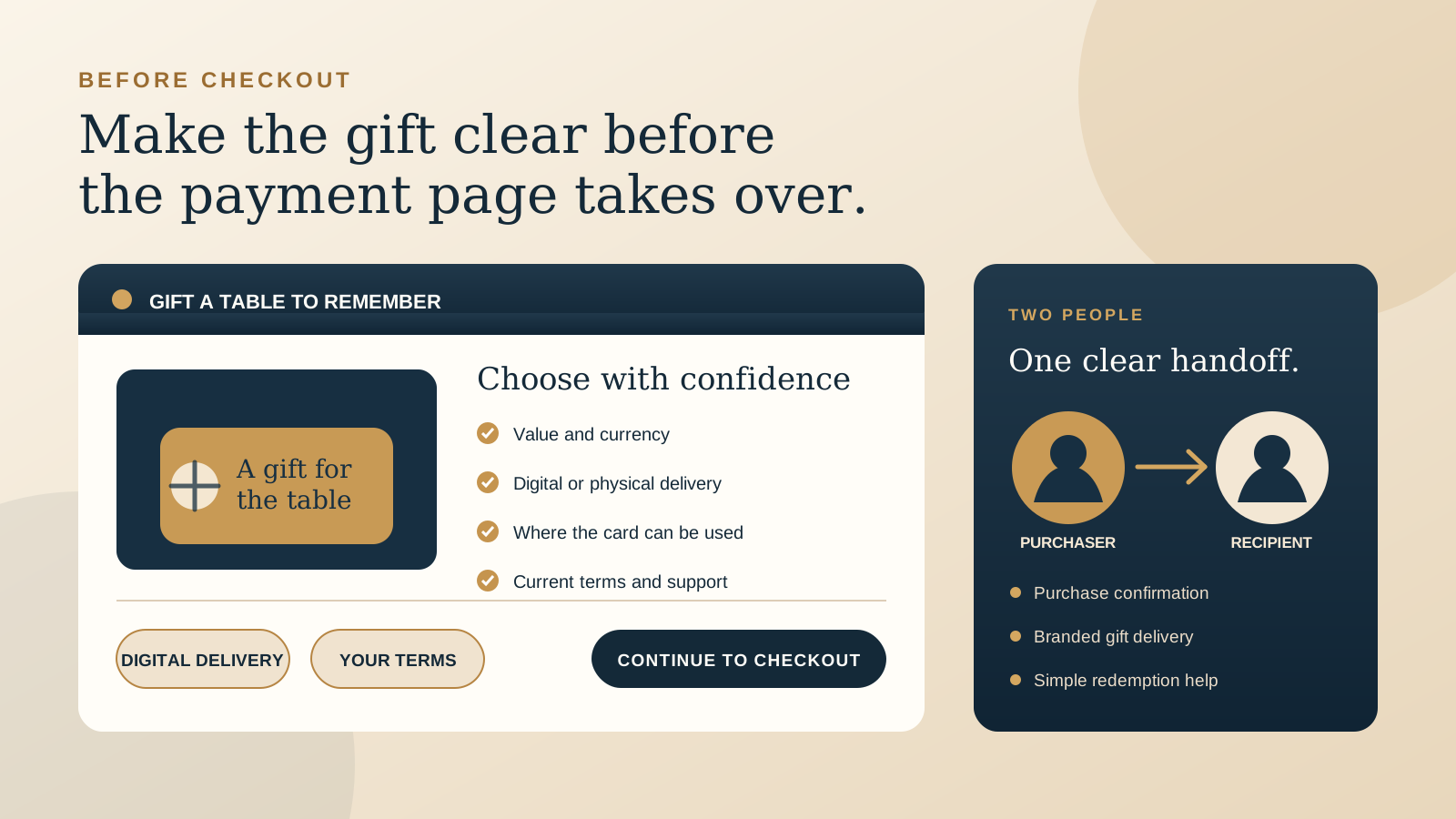
A guest clicking “Gift Cards” is often close to buying. They may be choosing a last minute present, sending a thank you, or planning a future visit for someone else. Do not make that buyer investigate the product after they reach a payment form.
Use a dedicated page on your own website to introduce the offer, even when a trusted provider handles payment and delivery. Give one concise answer to each purchase question, then use one obvious button such as “Buy a gift card.” If the hosted shop already shows the same information clearly, the website introduction can be short. It should still tell the buyer that they are about to continue to a secure checkout for your venue.
This is different from selling a menu item or taking a table booking. A gift card has two people in the journey, a purchaser and a recipient, and its value may be used later through a different channel. The website has to explain that handoff.
Show value and delivery choices in plain language
Start with the choices your live checkout actually supports. Show preset values, whether a custom value is available, and the accepted currency. If there is a minimum or maximum, state the current limit before the buyer starts entering details.
Then name the format. “Digital gift card by email” is clearer than “gift card” when no physical card will arrive. If the venue offers a physical card, say whether it is posted, collected, or bought in person, and show the current fulfilment timing and any delivery charge. Do not let a photograph of a printed card imply that a digital purchase includes one.
Delivery timing matters too. Tell buyers whether digital delivery is immediate, scheduled, or selected during checkout. Square's current seller order flow, for example, lets a purchaser select an amount, enter purchaser and recipient details, add a message, and choose immediate or future delivery. Toast's current eGift Card Shop flow can ask for an amount, message, delivery time, and recipient email address or phone number. These are platform examples, not promises about your setup. Check the live options and describe only what your venue has enabled.
Explain exactly where the card works
A buyer should not have to guess whether the recipient can use the card in the dining room, at another location, for takeaway, or through direct online ordering. Put the venue's real redemption scope near the purchase button.
- Locations: name the participating venue or venues. If a sister venue is excluded, do not rely on the shared brand name to explain that.
- Channels: state whether the card is accepted in person, for direct online purchases, by phone, or through another supported path.
- Exclusions: explain any genuine restriction, such as a third party marketplace, ticketed event, deposit, promotion, or service that cannot accept the card.
- Using the balance: tell the recipient where they can check the balance and what to bring or show when redeeming.
Processor capability and restaurant configuration are not always the same. Toast currently documents that its physical and digital gift cards can be used through Toast Online Ordering when the relevant setup is enabled, while some imported or third party card numbers are not supported for that online path. The useful website copy is therefore not “redeem anywhere.” It is a precise statement of what works for this restaurant today.
State your current terms without hiding behind generic copy
Show the terms a guest needs to judge the purchase before checkout. That normally includes your current expiry wording, any fees, refund or cancellation position, lost card process, balance treatment, and applicable exclusions. Use the merchant's approved facts. If a point does not apply, do not add it simply because another restaurant does.
A short summary beside the purchase action can link to the complete terms. The summary and full version must agree with the processor's settings, the card email, and what staff will honour at the venue. Avoid vague wording such as “conditions may apply” when the important condition can be stated directly.
This is not legal advice. Gift card requirements vary by location and can change. Verify the venue's current local requirements and obtain qualified advice where needed before publishing expiry, fee, refund, or cash redemption wording.
Keep the purchaser and recipient flow separate
The purchaser needs confirmation that payment succeeded. The recipient needs the card, personal message, value, venue identity, and simple redemption instructions. Treat those as two connected communications, not one generic receipt.
Before payment, explain which recipient details are required, which delivery channels are available, and whether the buyer can send the card to themselves. If scheduled delivery is supported, make the selected date visible in the order review. Ask the purchaser to check the recipient address or number before submitting, then give them a route to request help if the card is not received.
Keep optional fields visibly optional. A personal message can make the gift feel thoughtful, but it should not become a hidden barrier to checkout. The preview should also make it clear whose name will appear and which venue the recipient is being invited to visit.
Make the hosted checkout feel connected to the restaurant
A move to another domain can be perfectly reasonable when a payment or POS provider runs the gift card shop. The handoff should still feel intentional. Use the venue's current name, logo, approved image, and contact details in every provider field that supports them. Toast, for example, documents shop settings for the image, banner, name, preset amounts, and disclaimer.
Tell the guest what will happen before the click: “Continue to our gift card shop to choose the value, recipient, and delivery date.” Open the live destination on a phone and confirm the restaurant identity appears immediately. A bare navigation link that lands on a generic screen creates unnecessary doubt at the most valuable moment.
The restaurant should own or control the provider account, gift card settings, payout details, and recovery access. Record who can update the offer and who can resolve delivery or balance questions. The same ownership principle applies to the wider website. See our guide to restaurant website domain and hosting ownership for a practical handover standard.
Plan the mobile return path and useful tracking
After payment, the purchaser may want to return to the restaurant site, view the menu, buy another card, or find contact details. Use any available confirmation page or return link to bring them back to a useful gift card confirmation page, not a generic home page with no context. Keep the website logo linked home and make help easy to find if the provider does not offer a custom return.
On mobile, test the entire journey in one hand. The button should be easy to tap, the new domain should load clearly, form fields should use the right keyboards, order review should fit the screen, and the buyer should be able to return without losing confidence. The restaurant website mobile UX checklist gives a broader set of checks for this kind of path.
Measure what the setup can report reliably. Track the website click to the gift card shop, and use the provider's completed sales reporting as the source for purchases. If the provider supports a consent appropriate completion or return signal, document it. Do not label every outbound click as a sale, and do not collect recipient details in website analytics.
Run one complete prelaunch test
Test with a real card at the smallest valid value your live setup permits. Use a purchaser address and a separate recipient address you can check. Complete the journey on a phone, then verify each stage rather than stopping at the payment confirmation.
- Read the website first. Confirm the displayed values, currency, format, delivery, redemption scope, and terms match the live offer.
- Follow the purchase button. Check the destination, restaurant identity, secure connection, back path, and every supported field.
- Review before paying. Confirm the value, recipient, delivery timing, message, and total are understandable before submission.
- Check both messages. Read the purchaser confirmation and recipient delivery on a phone. Confirm the venue name, value, redemption instructions, support route, and balance link are correct.
- Redeem the test card. Use the intended venue and channel. Make sure staff know the process and the balance changes as expected.
- Check reporting and help. Confirm the sale appears in the venue's account and that the named owner can find, resend, or investigate the card if a guest asks.
Repeat the test when the provider, redemption setup, website URL, participating locations, or terms change. For a quick view of the wider guest journey around this page, use the free Restaurant Website Quick Score to identify three useful website priorities.
Want a practical review of the live website?
The US$35 Website Check reviews your mobile journey, menu, booking path, essential information, visual clarity, and search basics. If gift cards are part of the site, we can also flag where the path becomes unclear before checkout.
Get the US$35 Website CheckSources
- Square Support, Customers send eGift cards
- Toast Support, Manage Toast Gift Card Sales
- Toast Support, Set Up Your Toast eGift Card Shop
- Toast Support, Redeem a Toast Gift Card for Online Orders