
The short answer
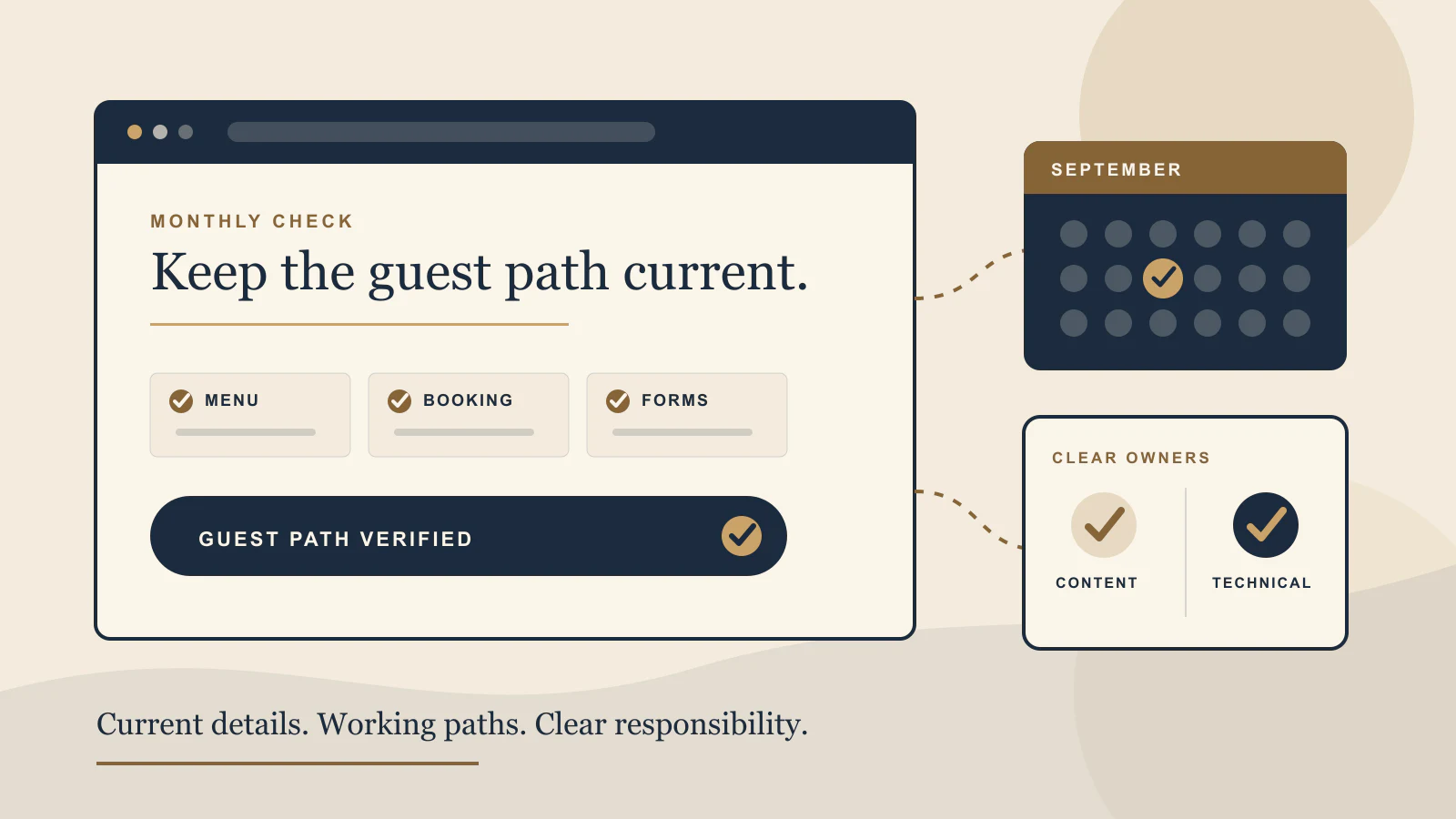
Check the website once a month as a guest, and update time sensitive details as soon as they change. One person at the venue should own menu, hours, event, room, and contact accuracy. One named person or partner should own the technical checks, account access, backups, forms, broken links, and platform updates.
Do not make maintenance a vague promise to “keep an eye on the site.” Use a short list, a clear owner for each item, and a record of what was checked. The best routine is small enough to repeat, but complete enough to catch the problems that stop a guest from choosing, booking, ordering, calling, or visiting.
What needs regular attention?
Begin with the facts that affect a visit. Opening hours, menus, prices, booking availability, ordering links, event dates, room details, contact information, and temporary closures can all change while the website remains visually unchanged. A polished page with an old booking link is still a broken guest experience.
Then look for quieter drift. A seasonal photograph may no longer represent the venue. A private dining form may send to a former team member. A map button may point to the wrong entrance. A gift card link may open a retired product. These details are easy to miss because the home page still loads.
Create one list of information that changes often and another list of stable content. The changing list gets a named owner and a review rhythm. The stable list still deserves a slower review when the offer, positioning, team, or venue experience changes.
Run the guest journey each month
Open the public website on a phone without using an admin preview. Start from the home page, then repeat the visit from a search result or map listing if that is a common entry point. Try the actions that matter most for your venue.
- Open the current menu and read several items without zooming.
- Start a booking or room enquiry and confirm the correct venue, date, and service.
- Start an order, gift card purchase, or private event enquiry where relevant.
- Submit each contact form with a safe test message and confirm where it arrives.
- Tap the phone, email, map, social, and directions links.
- Check the footer, contact page, and any announcement for matching hours and details.
Do not stop when a button opens. Follow the path far enough to see whether the guest reaches the correct next step. A reservation link can work technically while still landing on the wrong location or service. Our guide to restaurant booking links shows how to test that handoff in more detail.
Name a content owner at the venue
The content owner does not need to edit the website personally. They need to know which facts have changed, approve the correct replacement, and send it through the agreed update path. For many independent venues, that person is the owner, general manager, marketing lead, or front office manager.
Give the content owner a simple request format. State the page, the old detail, the new detail, when the change should appear, and when it should be removed. Attach final menu files or photographs in the correct version. This prevents a message such as “please update Christmas” from turning into several rounds of clarification.
For menus, decide which version is authoritative. If an HTML page and downloadable PDF both exist, one update should trigger a check of both. The same rule applies when hours appear on the home page, contact page, booking notes, and local profile. Our menu format guide can help you simplify the number of places your team maintains.
Name a technical owner
The technical owner looks after the parts that should not depend on someone remembering a password during service. That includes domain and hosting access, renewal contacts, backups, platform updates, form delivery, error monitoring, broken links, redirects, basic performance, and recovery information.
Ask for evidence that the checks happened. A form test should identify the receiving inbox. A backup check should confirm that a recent backup exists and that the recovery process is understood. A broken link review should produce the exact page and link. A performance review should identify the page and the change worth making, not only a score.
The venue should still retain appropriate account access even when a trusted partner manages the work. Keep the domain, hosting, and key service responsibilities clear with the help of our guide to website domain and hosting ownership.
Separate urgent changes from the monthly routine
Some changes cannot wait for the monthly review. Unexpected closures, changed service hours, a booking outage, a wrong menu, a failed form, or a compromised account need a clear escalation path. Decide who can request the change, who can publish it, and how the live result will be verified.
Write down the fastest safe contact method for urgent work. Include the information needed to act without guesswork and a backup contact if the usual person is unavailable. When the change is live, check the public page and the linked platform. Do not rely only on an editor confirmation screen.
After the immediate problem is handled, ask why it happened. A booking provider change may require links in several places. A temporary hours update may need an automatic removal date. Turning the incident into one checklist improvement keeps the same error from returning next month.
Define what maintenance includes
A useful maintenance agreement names the recurring work, the response path, and the boundary between upkeep and a new project. Small text or image changes, platform updates, backups, link checks, and form tests may fit routine care. A new booking system, a new location section, a rewritten menu structure, or a redesign may need separate planning.
Clarify how requests arrive, who approves them, how quickly urgent issues are acknowledged, when normal updates are grouped, and what evidence closes the task. Also name any outside systems that the website partner can test but does not control, such as reservation, ordering, payment, email, or property management platforms.
Finally, keep the handover current. Account contacts, renewal details, access instructions, and the list of connected services should not exist only in one person's memory. Maintenance is strongest when the venue can understand its own setup even while a partner handles the routine work.
A practical monthly checklist
- Current factsConfirm hours, menus, prices, events, location details, and temporary notices.
- Primary actionsTest booking, ordering, calls, directions, gift cards, and enquiries on a phone.
- Form deliverySend safe test messages and verify the correct person receives them.
- Connected linksOpen every important outside platform and confirm the venue and service.
- Visual accuracyReplace expired campaigns, old seasonal messages, and misleading images.
- Technical careReview backups, updates, errors, redirects, broken links, and access contacts.
- Search basicsCheck page titles, public indexing settings, sitemap access, and important old URLs after changes.
- Record and assignWrite down each issue, its owner, priority, and the live verification result.
If the list feels too long, begin with the actions closest to revenue and guest trust: the current menu, booking or ordering path, contact forms, hours, calls, and directions. Once those are dependable, work outward to presentation and technical refinement.
Use a quick baseline before the monthly review
The free Restaurant Website Quick Score checks nine guest essentials and gives you three priorities. It is a useful way to spot whether the maintenance list has drifted away from what guests need.
Try the free Restaurant Website Quick ScoreNeed help choosing the first fix?
The US$35 Website Check reviews your live website and gives you a short priority list for mobile clarity, menu, booking, and search basics. Use it to decide what belongs in the next maintenance round and what needs a larger project.
See the Website Check