
Start with the useful default: show current prices
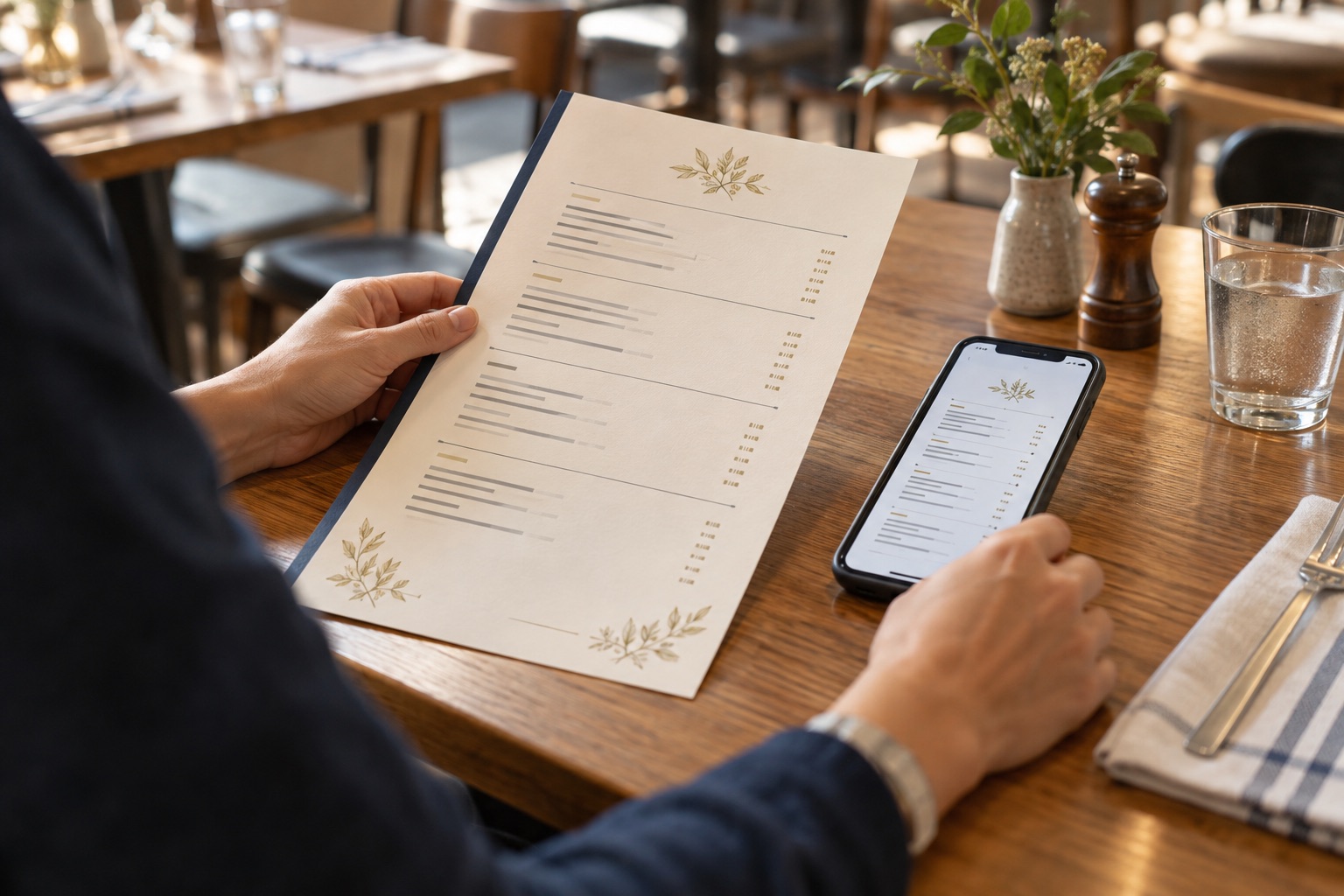
A guest opening a restaurant menu is usually trying to make a real decision. They want to understand the food, see whether it suits the occasion, and judge whether the expected spend feels comfortable. Current prices answer one of those questions directly.
That is why the default for a normal restaurant menu should be straightforward: publish the price beside each item. This applies whether the menu is a polished web page, an online ordering menu, or a well prepared PDF. Our guide to restaurant menu PDFs and web pages covers the format decision. This article deals with a different question, what price information the menu should contain.
Do not remove prices merely because a menu may change. A changing menu needs a better update routine. If the team cannot keep the website accurate today, hiding information is not the durable fix. Find the operational source of truth, decide who owns each update, and make the public channels follow it.
Treat price as part of the guest's choice
Price gives context to the whole menu. It helps a guest compare a quick lunch with a special dinner, understand whether sides are separate, decide if a group meal is realistic, and work out whether they should book, order, or keep looking. The useful question is not whether every guest is price sensitive. It is whether the information helps them choose with fewer surprises.
A menu without prices can also make practical details harder to interpret. A tasting menu title does not reveal whether supplements are included. A shared plate description does not show what a table might need to order. A private dining page that says packages are available does not tell an organiser whether the venue belongs on the shortlist.
Clear prices do not require clutter. Use the same currency convention throughout, keep prices visually close to item names, and explain mandatory inclusions or supplements in plain language. If different prices apply to dine in, takeaway, or delivery, label the channel instead of making one figure look universal.
The restaurant's Google presence is part of this guest journey too. Google Business Profile currently lets eligible food and drink businesses organise menu items into sections and add descriptions and prices. Restaurants can also set a menu URL, and Google may show a preferred menu source when several are available. That makes routine accuracy across the website and profile more important, not less.
Use honest exceptions, not vague omissions
Some prices genuinely cannot be fixed in advance. The useful response is to explain the exception honestly and give the guest as much decision making context as the venue can maintain.
- Genuine market price items: use “market price” only when the cost really changes with the day's supply, catch, weight, or selection. Do not apply it to ordinary dishes simply to avoid updating the menu.
- Bespoke private dining: when every event is quoted around date, space, guest count, drinks, and service, explain what shapes the quote. If there are genuine starting packages or minimum spends, publish them when they are current. Our guide to the restaurant private dining page covers the wider enquiry journey.
- Tasting formats: show the current menu price, then state optional pairing, supplement, service, or deposit details clearly. If the courses change while the format and price remain stable, say that dishes are seasonal rather than removing the price.
- Menus that change very frequently: a sample menu can be truthful when it is clearly labelled as a sample and explains what changes. Give guests a useful current range or format where possible, plus a direct way to confirm an important detail.
The test is whether the wording helps a reasonable guest understand the likely commitment. “Price on request” may be accurate for a tailored event. It is rarely the clearest answer for a standard lunch menu that the restaurant already prices every day.
Fix the source of truth before publishing another price list
Every venue has an operational place where a price becomes real. It may be the POS item library, a menu management platform, a controlled spreadsheet, or an approved master document. Name that source. Then map every guest facing destination that receives the information.
Square's current restaurant menu guidance is one example of a more central workflow. Square describes menus as a hub for managing what is sold across restaurant POS modes, online ordering, kiosks, delivery apps, locations, and times of day. Its dashboard also supports bulk updates to fields that include item price, description, location, and sales channel. A venue using a connected system should understand which changes flow through automatically and which still need a separate manual update.
Do not assume every setting syncs everywhere. Square notes, for example, that an online sale price applies to the website and does not sync to its other platforms. It also uses location and channel assignments to determine where items are available. That is exactly why the operating checklist should name real destinations, not rely on a loose instruction to “update Square” or “update the menu.”
If the website is maintained separately, make its process equally specific. One authorised person should receive the approved price change, update the right menu, preview it on mobile, publish it, and record that the task is complete. Our guide to safe restaurant CMS menu updates explains how to give staff practical access without exposing the rest of the site.
Run a practical cross-channel price audit
Use one real order as the audit sample. Choose a popular main, a drink, a modifier, and one item that recently changed. Check each destination as a guest would see it, not only from the admin screen.
- Start with the approved source. Confirm the item name, base price, variation prices, modifiers, applicable tax or service wording, location, and service period.
- Open the live website on a phone. Check the main menu path, the item itself, any PDF companion, and any separate lunch, dinner, takeaway, or location menu.
- Check Google Search and Maps. Review the menu link, selected menu source, sections, item prices, menu photos, and any outdated guest uploaded image that may need to be flagged. Google advises that menu editor changes can take 24 to 48 hours to appear, so record the change and return to verify it.
- Check the POS view used by staff. Confirm the same base item and modifiers ring up as expected at the correct location.
- Check direct online ordering. Add the item to the cart. Look for channel specific pricing, required modifiers, fees, availability, and whether the total matches the wording shown before checkout.
- Check delivery and other partner channels. These may have intentionally different prices or hours. The difference should be approved and understandable, not accidental.
- Check printed menus and signage. Include table menus, counter boards, QR destinations, event packages, and promotional cards that are still in use.
- Assign each correction. Record an owner and a completion check for every mismatch. Do not treat finding the error as finishing the task.
Run the audit after a planned price change, when a new menu launches, when a new ordering channel is added, and at a regular interval that suits the venue's pace. For a broader review of the guest facing basics, the free Restaurant Website Quick Score gives you a short set of website priorities.
Handle frequent changes without confusing the guest
A frequently changing menu needs clear scope. If lunch changes daily, state that the displayed menu is today's, this week's, or a representative sample. If only seafood price changes, keep the stable menu items and prices visible and use market price for the genuine variable. If one location runs a different menu, give it its own page or unmistakable location label.
Avoid a vague “prices subject to change” line as the whole maintenance strategy. It can acknowledge an occasional correction, but it does not make a stale menu useful. Give the page a visible update date only when someone is responsible for refreshing it. If an item is temporarily unavailable, remove it or label it through the system that controls availability rather than leaving guests to discover the problem during ordering.
Google gives restaurants several menu surfaces, including structured items, menu URLs, and menu photos. Square and similar systems can add more variations by location, channel, and service time. The practical response is not to maintain every surface by memory. Reduce unnecessary duplicates, connect what can be connected, and schedule a human check for everything that remains separate.
Make the owner decision around clarity and maintenance
For a normal menu, show current prices. Use market price only where the price is genuinely variable. Explain bespoke dining and tasting formats with enough context for a guest to judge the likely commitment. Label samples as samples. Then make one person accountable for keeping each live channel aligned with the approved source.
If your team can update the POS but nobody can edit the website, that is a workflow problem to solve before the next price change. If the ordering platform creates a channel specific price, document it. If Google shows an old menu source, correct the profile and verify the public result after the platform has had time to publish the change.
The strongest policy is short enough to follow: publish the useful price, explain the honest exception, and never create a public menu that has no owner.
Want a practical review of the live website?
The US$35 Website Check reviews your mobile journey, menu, booking path, essential information, visual clarity, and search basics. You will get a short priority list showing what is already clear and what should be corrected first.
Get the US$35 Website CheckSources
- Google Business Profile Help, About the menu editor
- Google Business Profile Help, Get started with a Business Profile for your restaurant
- Square Support, Create and update menus
- Square Support, Set up items for your website