
Start with a safe update model, not a shared password
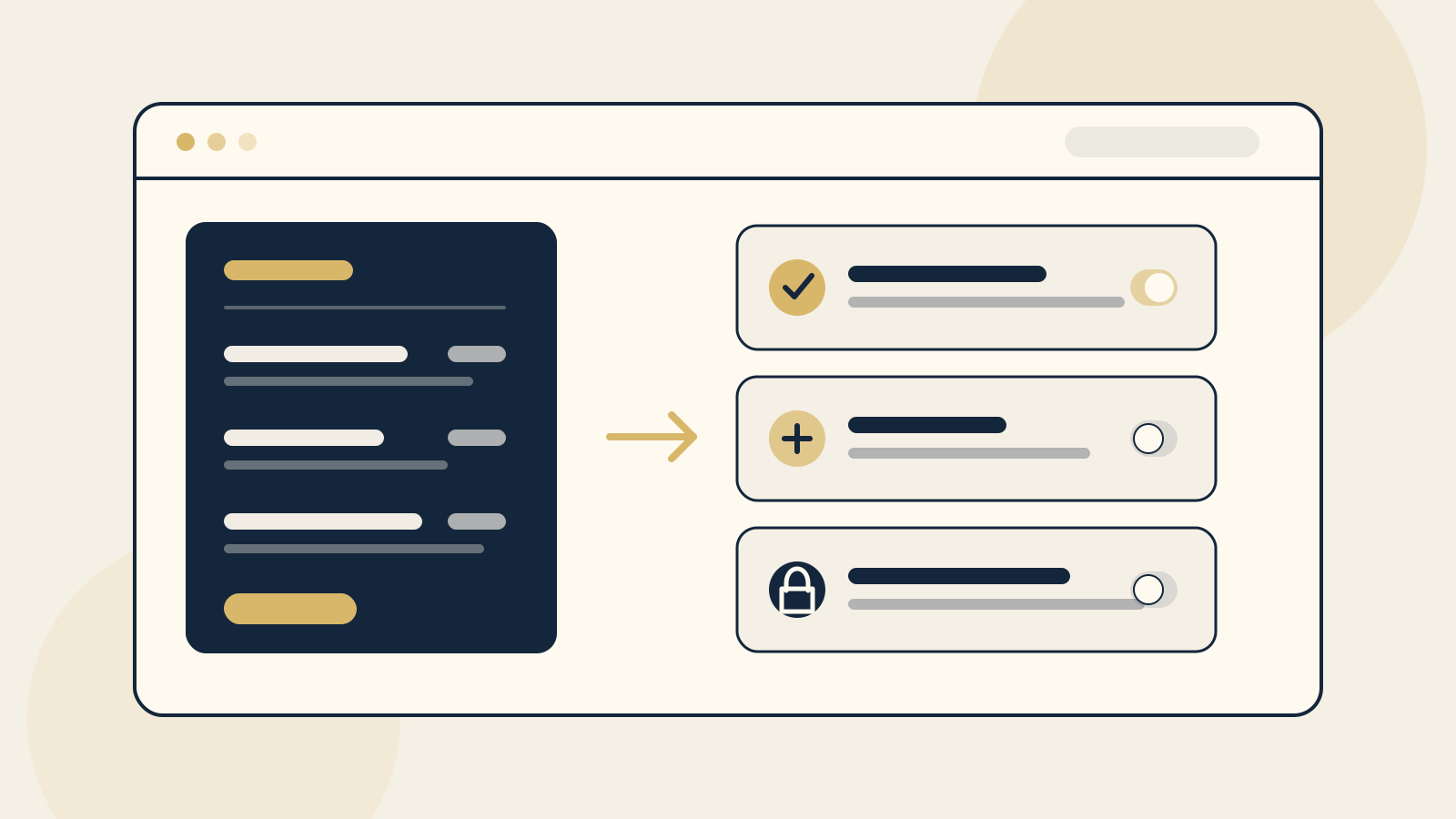
A useful restaurant content system should let the right person change a sold out dish, seasonal price, opening note, or room detail without asking a developer for every small edit. It should also make it difficult for that same routine change to remove a booking button, alter payment settings, or break the mobile layout.
The safest setup has four parts: the owner controls the main account and billing, staff receive named accounts with limited permissions, publishing follows a simple review rule, and the site has a known way to reverse a bad change. This is a permissions decision before it is a platform decision.
Do not solve access by sharing the owner login across the venue. Shared credentials make it harder to remove one person, understand who changed something, or protect sensitive settings. Invite people individually, turn on the security options the platform provides, and review access when roles change or someone leaves.
Choose the routine fields your team should edit
Start with the changes that are frequent, factual, and easy to verify. For a restaurant or cafe, that usually means dish names, descriptions, prices, dietary notes, availability, opening hours, contact details, alert banners, and selected photographs. For a boutique stay, it may include room descriptions, amenity notes, check in information, seasonal notices, and approved gallery images.
Keep each edit inside a defined field or collection where possible. A menu manager should be able to change the description and price of an item without moving the reservation button or rebuilding a page section. A clear content form is safer than giving every team member free control over page layout.
Write down the source of truth for details that appear in several places. If menu prices also live in a point of sale system, delivery marketplace, printed menu, or booking package, decide which system is updated first and who checks the others. The CMS cannot prevent a mismatch if the operating process is unclear.
Some changes look routine but deserve review. New dietary or allergen wording, cancellation terms, event conditions, room capacity, package inclusions, and accessibility claims can affect a guest's decision. Give staff a path to draft these changes, then have the responsible manager confirm the facts before publication.
Set access by responsibility, not seniority
Use the least access a person needs to complete their normal work. A practical venue setup can look like this:
- Owner: owns the account, domain relationship, subscription, billing, and recovery details. The owner can add or remove access and approve a full handover.
- Content manager: updates approved menu, venue, room, and announcement content. Publish access is granted only if this person also owns the final accuracy check.
- Contributor: prepares text or images for review but cannot publish, change layouts, manage users, or see payment information.
- Web partner: receives a separate account for design, technical settings, integrations, backups, and repairs. Access should match the agreed scope and remain removable by the owner.
- Payments or bookings manager: receives only the operational access required for orders, reservations, or transactions. This should not automatically include control of the website design or ownership.
Available role names depend on the platform and installed features. In Wix, for example, official documentation says collaborators can receive roles with defined permissions. If the relevant Wix restaurant products are installed, a Restaurant Manager role can manage restaurant menus, orders, and table reservations, including their settings. That role is not the same as the site owner, and the roles visible to you can depend on the apps used on the site.
WordPress takes a different approach. Its official documentation defines roles as groups of capabilities. On a standard single site installation, an Administrator has broad administration access, while an Editor can publish and manage posts, including posts by other users. A restaurant menu plugin, booking tool, or custom build may add its own permissions or store menu content somewhere other than ordinary posts. Confirm the actual capabilities on your site before choosing a role.
Separate editing from publishing when accuracy matters
A small owner operated cafe may be comfortable letting one trusted manager edit and publish routine menu changes. A larger restaurant group or boutique stay may need a draft and review step. The right workflow depends on how often content changes, how costly an error would be, and whether one person can reliably check the result.
Keep the review short enough that staff will use it. Before publishing, check the item name, price, dietary or room facts, start and end dates, related booking or ordering link, and the phone view. If a change affects several pages, list them. Preview the exact page when the platform supports it, then check the live result after publishing.
Limit publish permission to people who are responsible for that final check. Draft access is useful for a chef, marketing assistant, front desk team member, or venue manager who supplies accurate information but should not make the last live change. For urgent updates, define who can publish an alert and who must be told afterward.
The same principle applies to integrations. Editing a menu description is not the same job as changing an online ordering connection, reservation configuration, tax rule, payment account, or room inventory feed. Keep those permissions separate even when they appear in the same dashboard.
Keep ownership, billing, and recovery with the business
The business owner should retain control of the website account, domain, subscription, billing relationship, and primary recovery method. A web partner can help set these up, but the business should not depend on a former contractor's personal account to renew the site or recover access. Our guide to website domain and hosting ownership explains the wider account structure.
Keep a private register of the platform, domain provider, hosting provider, booking or ordering services, account owner, billing contact, renewal dates, and people with access. Record where recovery codes or emergency instructions are held without putting sensitive credentials in the public website brief.
Review permissions at a regular operational moment, such as the monthly website check or a staff departure. Remove accounts that are no longer needed, confirm the owner account still works, and check that billing belongs to the business. The restaurant website maintenance checklist can place this access review beside the other recurring checks.
Leave structural and high consequence work with a web partner
Staff should not have to judge whether a routine update could alter the layout, navigation, search setup, analytics, or an external integration. Put those changes into a clear web partner lane. Examples include new page templates, navigation changes, responsive layout, code, redirects, structured data, plugin or platform updates, domain records, payment connections, booking integrations, and restoration after a failure.
Large content changes may also belong with the partner. A new tasting menu landing page, private dining journey, room category, second location, or new language can affect navigation, search visibility, photography, and booking paths. Treat it as a scoped website change rather than squeezing it into a field designed for a weekly special.
This boundary is not about keeping the owner dependent. A good setup makes routine work genuinely easy for the team and makes the exceptional work easy to request. The handover should show both. When comparing platforms, also consider who will maintain the result, not only which editor looks easiest in a demonstration. Our WordPress or Squarespace guide uses that operating question as part of the decision.
Plan the rollback and handover before the first urgent edit
Ask how a mistaken change will be reversed. Depending on the platform, this might use content history, a saved version, a site backup, a duplicate page, or a restore handled by the web partner. Do not assume every menu tool keeps the same history as the page editor. Test the actual path on the site you own.
For high consequence changes, record what was changed, who approved it, and what the previous value was. Before a structural update, the responsible person should confirm that a current backup or restore point exists and know who can use it. A backup is only useful when the team knows what it contains and how recovery will happen.
The final handover should include a short live walkthrough and a written guide using the venue's real tasks. Show how to change one menu item, replace one image, post an urgent notice, preview a page, publish, confirm the live result, and request help. Also show what not to touch. Record the account owner, each role, the support contact, the rollback route, and how access will be transferred if the partnership ends.
Test the handover with a normal staff account, not only the owner account used by the person who built the site. If the staff member cannot complete a routine edit without broader access, refine the content structure or permissions before launch. The questions to ask a restaurant web designer can help you confirm these responsibilities before a project begins.
The owner checklist
- Keep the website, domain, subscription, billing, and recovery details under business control.
- Give every person a named account and only the permissions required for their normal work.
- Define the exact menu, venue, room, notice, and image fields staff may change.
- Decide who can draft, who checks accuracy, and who can publish.
- Keep payment, billing, user management, design, and technical settings away from routine content roles.
- Confirm how the actual menu, booking, or restaurant plugin handles permissions on your specific site.
- Preview changes and check the live phone experience after publishing.
- Document the source of truth when a fact or price appears across several systems.
- Keep a tested rollback route for content mistakes and structural changes.
- Require a handover that covers routine edits, restricted areas, support, access removal, and transfer.
If you are unsure where the risk sits today, run the free Restaurant Website Quick Score first. It will help you check the guest facing essentials, then you can trace each weak point back to the person and permission responsible for keeping it current.
Want a practical review of the live website?
The US$35 Website Check reviews your mobile journey, menu, booking path, essential information, visual clarity, and search basics. You will get a short priority list that can help you decide which routine updates your team should own and where a web partner is still useful.
Get the US$35 Website CheckSources
- Wix Help Center, Roles & Permissions: An Overview
- WordPress.org Documentation, Roles and Capabilities