
The short answer is to compare the operating fit, not just the booking button
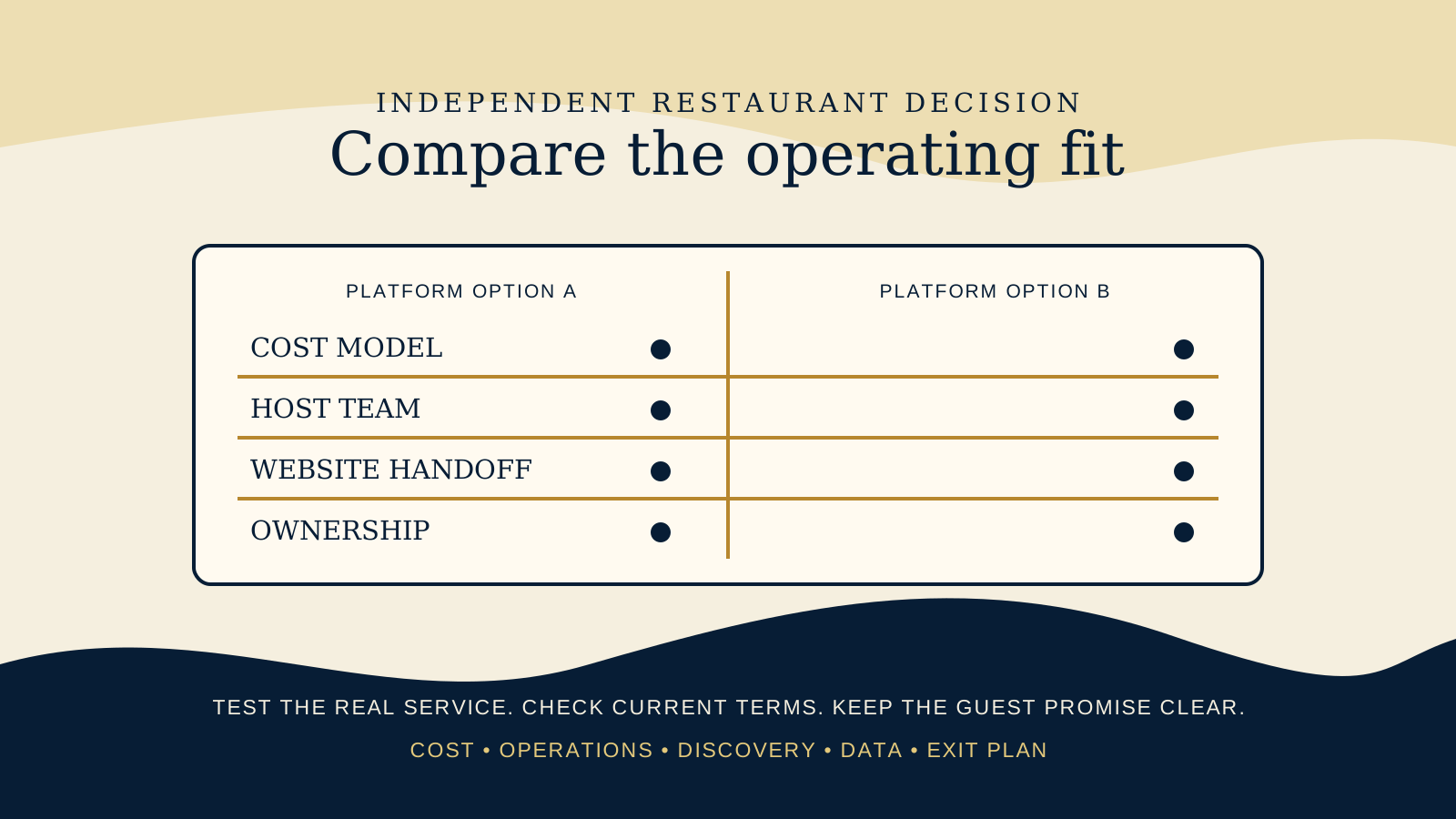
OpenTable and Resy can both support a serious independent restaurant. Each publishes plan structures and booking tools, while the available features, commercial terms, integrations, and regional availability can vary by plan and market. That is why a feature list alone is not a decision.
OpenTable publishes Basic, Core, and Pro plan structures, with monthly and reservation related charges to examine, plus widgets, waitlist, deposits, POS, and guest relationship features. Resy publishes Platform and Platform 360 structures, says it does not charge per cover, and offers reservation, waitlist, Notify, deposit or hold, POS, and analytics features depending on plan.
Do not use this article to choose a winner for every restaurant. Use it to frame a short, evidence based comparison for your own service. On the day you decide, check the current OpenTable plans and Resy plans and pricing pages directly. Plan details change, and the commercial model needs to make sense for your real covers, service periods, and team.
Start with the service model your team has to run
Begin with a normal busy service, not a quiet demo. Write down what the host needs to do between the first booking, the first walk in, a late arrival, a large party request, a cancellation, and the last table of the night. Then ask each provider to show that exact sequence.
A reservation platform is a good operational fit when the team can see the right guest context, manage tables without creating duplicate work, communicate a clear arrival policy, and recover calmly when a guest changes plans. A polished calendar is not enough if the host team must keep a separate list, reconcile another screen, or explain a different rule at the door.
Also define what a reservation means at your venue. It may be a confirmed table, a request, an alert when availability appears, or a path to a deposit or card hold. The labels on your website need to match the result a guest will actually receive.
Compare the full cost model before you compare a headline
Do not compare only a monthly figure. List every category that could change the cost of a busy month, a quiet month, a special event, or an added location. OpenTable describes both monthly and reservation related charges across its plan structure. Resy says it does not charge per cover. Those are different models to test against your own service pattern, not a shortcut to a universal answer.
Ask each provider for a written explanation of the charges and terms that apply to your venue. Include the base subscription, reservation related charges where relevant, implementation, hardware, payment processing or deposit handling where applicable, added locations, add ons, support, contract term, and any change or cancellation conditions.
Use a simple scenario sheet with your actual covers and booking mix. Run one ordinary month, one peak period, and one month where demand is lower. Ask what changes when more guests book through the provider's discovery surfaces rather than directly through your website. The useful comparison is the cost of the operating model you will really use.
Separate guest discovery from the host stand workflow
Discovery can be valuable when it introduces the right guests to your restaurant. It can also create a different mix of bookings from the guests who arrive through your own website, regulars, hotel partners, or local search. Ask what visibility is included, how the venue appears to guests, and what information or controls the restaurant has around that presence.
Then keep the operational question separate. A platform may help guests find a restaurant and still be a poor fit for how the dining room handles tables. Another platform may be easier for the host stand while producing a different discovery path. Both sides matter, but they should be scored separately so a marketing promise does not hide an operations problem.
Review the paths a guest can take from Google, social profiles, a hotel concierge, your homepage, and the platform itself. The platform should not leave guests wondering whether they have reached the right venue, service, date, or party size.
Test deposits, holds, waitlists, and cancellation alerts as real guest promises
Do not treat deposits, card holds, waitlists, and cancellation alerts as interchangeable buttons. They create different expectations and different responsibilities for the team. OpenTable describes deposits and waitlist capabilities among its restaurant features. Resy describes deposits or holds, waitlist tools, and Notify features depending on the plan.
Ask to see the guest language and the staff workflow for each situation you may offer. Can the venue set a policy that matches a high demand tasting menu, a walk in led bar, a large party request, or a standard dinner reservation? Can staff see what the guest saw, make an exception when appropriate, and explain what happens after a cancellation?
On the website, name the action precisely. A deposit is not simply a reservation. A waitlist is not a confirmed table. An availability alert is not a queue position. If you need help defining those paths before selecting a provider, read Reservations, Waitlist, or Walk Ins and what a restaurant booking deposit policy should explain.
Check POS fit and guest data before the contract is signed
Ask which POS systems, table management workflows, and guest records are supported for the plan and location you are considering. A sales call should be able to demonstrate the exact setup, not just name an integration. Test whether it reduces duplicate entry, keeps seating status accurate, and gives the team a usable view during service.
Guest relationship features can be useful when staff can act on them responsibly. Clarify which guest details you can view, correct, export, retain, or delete, who owns the operational account, and how permissions work for owners, managers, and departing staff. Check what consent, privacy, and marketing responsibilities remain with the restaurant.
Data does not need to be a technical project to deserve attention. An owner should be able to explain where booking history lives, who can access it, how the restaurant gets its records, and what survives if the platform or provider changes.
Design the website handoff as part of the booking decision
Your website is where a guest often decides whether the restaurant feels right. The handoff to the reservation platform should feel intentional, whether it uses a button, a provider widget, or another supported booking route. OpenTable offers a reservation widget preview, and each provider can explain the current options available to your chosen plan.
Test the complete handoff on a phone. Start from the homepage, menu, location page, and a search result. Confirm the action identifies the right restaurant, service, party size rules, and booking outcome. Check the return path too. If the booking route cannot load or a guest needs to read your cancellation policy again, the website should still give them a sensible next step.
This is a different question from whether a restaurant booking widget or link is better. That article compares the on page presentation. Here, the decision starts earlier: whether the platform behind the handoff fits your restaurant's costs, operations, and guest relationship.
Plan for ownership and exit before the relationship becomes urgent
Choose an account owner inside the restaurant, not only at an agency or a former manager's email address. Keep the login recovery route, billing authority, integration access, policy settings, and provider contacts documented. A booking system cannot be truly owned if the business cannot safely update its hours, release rules, or staff access.
Before signing, ask how a venue can export the records it is entitled to retain, what happens to future reservations if it changes provider, how it removes widgets or links from the website, and what support is available during a transition. Confirm those answers in writing, along with the contract and notice requirements.
An exit plan does not mean you expect a failed relationship. It means the restaurant can change technology without leaving guests with broken booking paths or the team with an unmanageable service. The same ownership principle applies to your restaurant website domain and hosting.
Use a decision day checklist with your real numbers and team
- Bring the right people: include the owner, a host or floor manager, the person responsible for the website, and the person who manages billing or data access.
- Run a busy service: have each provider show reservations, walk ins, changes, no shows, large parties, special requests, and a sold out service as your team would handle them.
- Compare the written cost model: model ordinary, peak, and lower demand months using the actual plan terms offered to your venue. Do not rely on old pricing pages or a verbal summary.
- Check the guest promise: read the booking, waitlist, alert, hold, and cancellation language on a phone, then make sure your website can explain the same promise clearly.
- Verify the integrations: test the exact POS, location, and permissions setup you will run, including what happens when an integration is unavailable.
- Document ownership: record the account owner, billing contact, access roles, data rights, export route, support route, contract term, and transition process.
- Choose the first website handoff: decide which pages send guests to booking and whether a supported link or widget gives the clearest, fastest path.
Before the meeting, use the free Restaurant Website Quick Score to check the basics a booking platform cannot fix by itself, including mobile clarity, menu access, hours, location details, and the next step a guest sees.
Want a practical review of the booking handoff?
The US$35 Website Check reviews the live mobile path, reservation action, menu, essential venue details, visual clarity, and search basics. You receive a focused priority list for making the next step easier to understand.
Get the US$35 Website CheckSources
- OpenTable, restaurant plans
- OpenTable, reservation widget preview
- Resy, plans and pricing
- Resy for Restaurants, driving demand with Google