
What restaurant SEO means
Restaurant SEO means making the information a guest needs easy to find and understand in search. For an independent venue, that often begins with a complete Google Business Profile and a website that clearly names the venue, location, cuisine or offer, hours, menu, and next action.
It is not a promise that your restaurant will appear first. Search results change with the query, the searcher, location, and many other signals. The useful owner goal is simpler: make your details accurate, your pages useful, and your route from discovery to visit clear.
How local discovery works
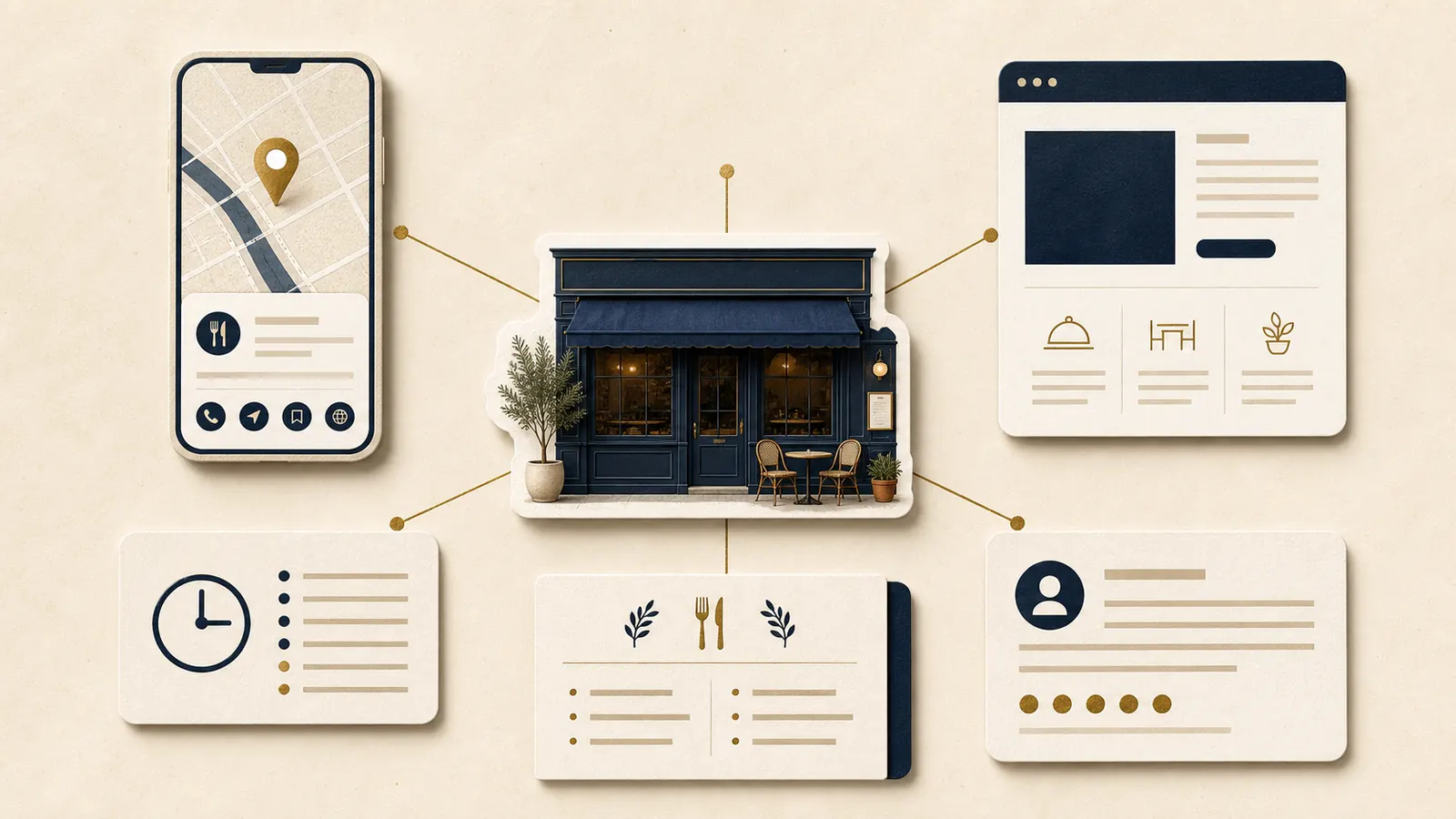
A guest might search for a cuisine nearby, open Maps, follow a recommendation, or type your venue name after seeing it elsewhere. They may want a table, a current menu, hours, a phone number, directions, or a direct ordering link. Local discovery works better when each of those paths leads to the same clear facts.
Google's guidance for Business Profiles asks owners to represent the business accurately and completely. That gives a good practical standard. Do not create different versions of the venue for different platforms. Keep one real name, address, phone number, hours, and website path, then check that they agree.
Start with your Google Business Profile
Complete the parts a guest sees before they visit: the correct business name, primary category, address or service area where relevant, phone number, hours including special hours, website, and a precise location. Add a useful description, current photos, and the right links for menu, bookings, or orders when those apply.
Work in this order. First, correct the facts that could send someone to the wrong place or at the wrong time. Next, make the main action work. Then improve the supporting information and photos. Review the profile after changes to your menu, location, opening pattern, booking provider, or ordering provider.
Consistency matters because a guest should not have to decide which version of your details is true. Keep a simple master record for your core information, then update the profile and website from that source.
Make the website your stable source
Your website gives the business one owned place to explain the offer in full. Create a clear location page for each venue if you have more than one. Use plain language that names the neighbourhood or city, the type of restaurant, and what guests can do there. A guest should not need to infer the location from a map pin alone.
Keep a stable menu page and location page that can be linked from your main navigation, Google Business Profile, social profiles, and press coverage. For the menu itself, start with a readable web page and keep a PDF only when a downloadable copy is genuinely useful. Our guide to restaurant menu PDFs and web pages covers that decision in more detail.
Use normal page titles, headings, and descriptive links. Google's SEO Starter Guide recommends helpful, people first content and crawlable links. That is not an invitation to repeat a city name unnaturally. Write the words a guest needs to confirm that your venue is the right fit.
Mobile, reviews, and structured data
Most local decisions happen quickly on a phone. Open the site as a guest would. Can you find the menu, call, get directions, book, or order without hunting? Keep the main action close to the decision, and make sure essential information remains readable and quick to load. Use the restaurant mobile UX checklist for a focused phone review.
Ask for honest reviews after a real visit, and respond thoughtfully where a response is useful. Do not offer incentives for reviews, pressure guests for positive feedback, or post reviews on their behalf. Google's contribution policy explains the rules for reviews and other user contributions.
Restaurant or LocalBusiness structured data can clarify your name, address, phone number, opening hours, menu URL, and other details for search systems. Google describes it as a way to provide information about a local business. It is not a ranking guarantee and it does not guarantee a particular display in search. Use it to support accurate pages, not to replace them.
Keep booking and ordering links concise and current. The focused guides on restaurant booking links and online ordering paths can help you choose the cleanest route.
A simple monthly check
Set aside fifteen minutes each month. Search for your venue name, open the Google Business Profile, then open the website on a phone. Check hours, location, phone number, website, menu, booking or ordering link, and directions. Repeat the check before a holiday period, a menu change, or a new provider launch.
Track the basics, not a vanity number. Note how many calls, direction requests, website visits, bookings, or orders you can reliably see. Watch for changes in the questions guests ask, failed links, or pages that are difficult to update. Those signals point to a practical improvement.
A short owner action plan
- Correct the core facts on Google Business Profile and your website.
- Make one clear location page and one current menu page easy to reach.
- Test the main action on a phone, then fix the first point of hesitation.
- Use honest review practices and keep links to booking or ordering current.
- Run the monthly check and record the next small improvement.
Want a clear set of priorities?
The US$35 Website Check reviews your live site and gives you a short, practical priority list for mobile clarity, menu, booking, and search visibility.
See the Website CheckSources
The first four sources are official Google guidance. SpotOn and Owner are industry references used for comparison, not rules or ranking promises.
- Google Business Profile Help, tips to improve your local ranking on Google
- Google Search Central, SEO Starter Guide
- Google Search Central, LocalBusiness structured data
- Google Maps user contributed content policy
- SpotOn, restaurant SEO reference
- Owner, restaurant SEO reference