
The short answer
Use a small, curated gallery that you own as the main visual proof on your homepage or key venue page. It gives you control over the photographs, their order, their surrounding explanation, and the page a guest sees next. Add a clear Instagram link for people who want to see what is new.
An embed can be worthwhile when one specific post or a public profile helps a guest choose. For example, it may show a seasonal dish, a current event, or the atmosphere of a busy evening. It should support the decision, not become the page's whole visual system.
Give each channel a job
Your website needs to make the visit understandable. Your owned photographs can show the room, food, drinks, and service in the order that helps a first time guest decide whether the venue feels right. The page can also keep the essential details close by, including the menu, hours, location, and booking path.
Instagram has a different strength. It can make the venue feel current and give regulars a reason to return. A visible Instagram link gives guests that path without asking a live social stream to explain the whole business.
This division keeps the site useful even if a post is removed, the account changes, or the embed is unavailable. It also gives your team one dependable place to update the photographs that matter most to a new guest.
Make your owned gallery the primary proof
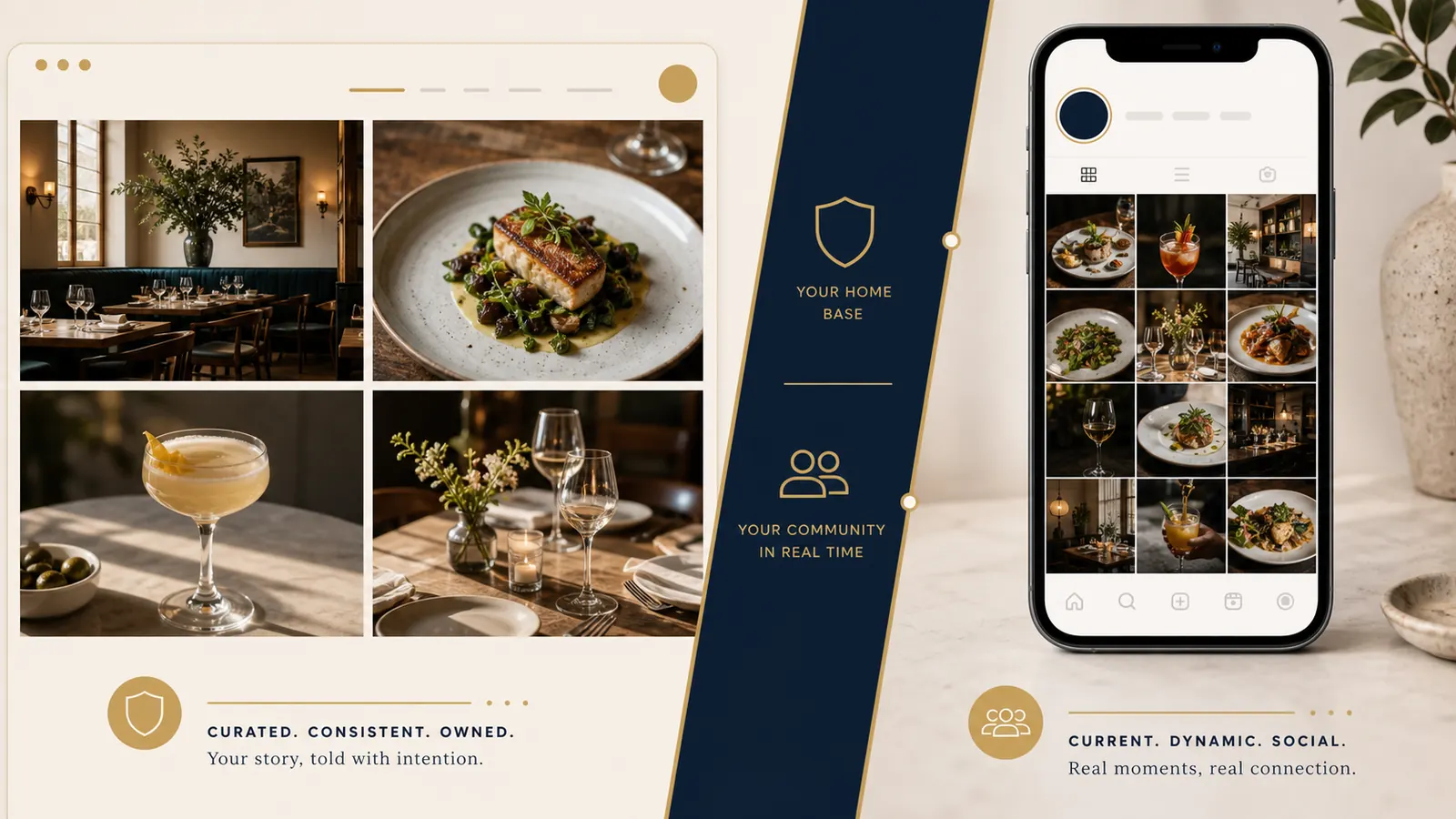
Choose four to six photographs that earn their place. A good starting set might include the dining room at its most recognisable, a signature dish, a drink or coffee if it is central to the offer, a wider table scene, and one useful detail such as the counter, terrace, or open kitchen. Use the real venue, not a vague collection of images that could belong anywhere.
Put each image in standard HTML with useful copy nearby. Google documents that it can find images in the src attribute of an img element, while CSS background images are not handled the same way. It also explains that nearby page content, captions, and useful alt text help it understand the subject. An owned gallery gives you direct control of those details.
Write alt text for what a guest would actually see, such as “wood fired prawns with lemon and herbs on a blue ceramic plate,” not “best restaurant food” or a list of keywords. Good alt text describes the image for people who cannot see it as well as making the page more informative.
Embed only when it helps a guest decide
Before adding an embed, name the decision it improves. A selected post can work well beside a page about a ticketed dinner, a seasonal menu, or a specific occasion. A profile embed may be useful on a page where current dishes are genuinely part of the choice. If the embed does not make a guest more confident about visiting, a regular Instagram link is usually enough.
Instagram says public posts, reels, and profiles can be embedded only when the account is public and Embeds is enabled. Its embed code is copied from Instagram.com. If the account becomes private or embeds are turned off, the embed will no longer be available. Instagram also notes that removing an embed from a third party site can take time.
That is why a live feed should never replace the venue's menu, hours, location, booking, owned gallery, or descriptive page content. Test the page with the embed disabled. If a guest can still understand the offer and complete the next step, the embed is in the right supporting role.
Keep image loading intentional
High quality photographs can make a venue more appealing, but images often account for a large part of a page's size. Test the page on a phone after adding an embed or a larger gallery. The question is not whether every embed is a problem. It is whether this implementation still gives a guest a comfortable, useful page.
Use responsive image sources so the browser can choose an appropriate version, while keeping a standard src fallback. Give images their width and height to reduce layout movement. Load the main hero image eagerly, and lazy-load images that begin offscreen. web.dev specifically advises against lazy-loading images likely to be in the initial viewport, including the main LCP image.
An owner checklist before you add an Instagram embed
- Choose four to six owned photos for the homepage or key venue page.
- Write meaningful alt text based on what is actually pictured, not a list of search terms.
- Use responsive image sources and keep a standard
srcfallback. - Set image dimensions, load the hero eagerly, and lazy-load offscreen images.
- Keep a visible Instagram link for guests who want the latest posts.
- Embed only a selected public post or profile that helps a guest decide, then test what the page does if embeds are disabled.
For the wider guest journey, use our restaurant website mobile UX checklist to test the page on a phone. Our restaurant SEO guide can help you make the venue's information clearer for people searching before they visit. If you are choosing a platform at the same time, compare the practical tradeoffs in Wix or Squarespace for a restaurant website.
Need a quick social post from a food photo?
Use the free Food Photo Post Maker to turn a real food photograph into a simple post for your social channels. It is a useful way to keep Instagram active while your website gallery remains a curated, owned part of the guest journey.
Try the free Food Photo Post Maker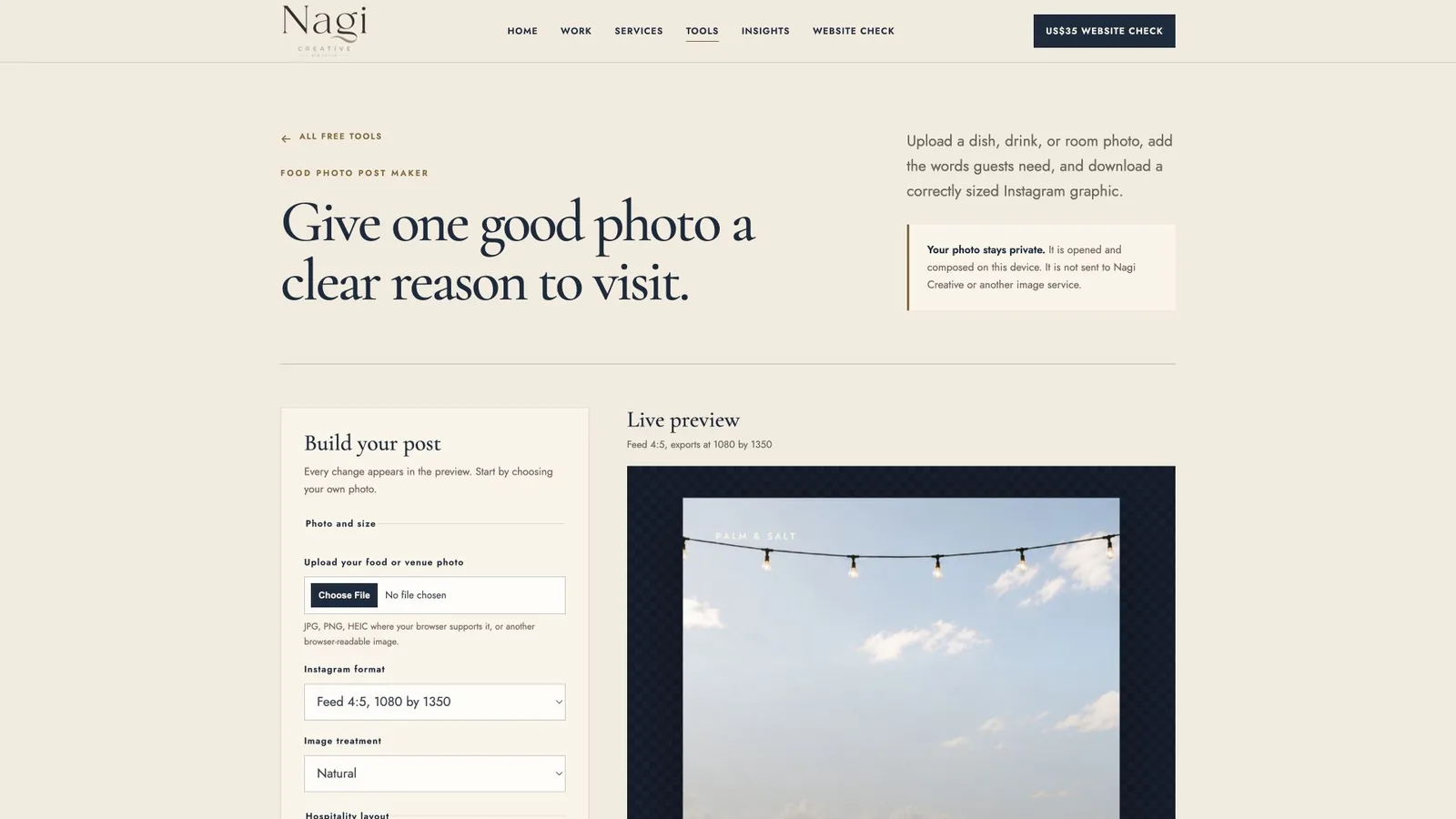
Want a second pair of eyes?
The US$35 Website Check reviews the practical points where a restaurant or cafe site can lose a guest, including the mobile path, essential information, and visual clarity.
Get the US$35 Website CheckSources
- Instagram Help Centre, embed Instagram content
- Google Search Central, Image SEO best practices
- web.dev, browser level image lazy loading